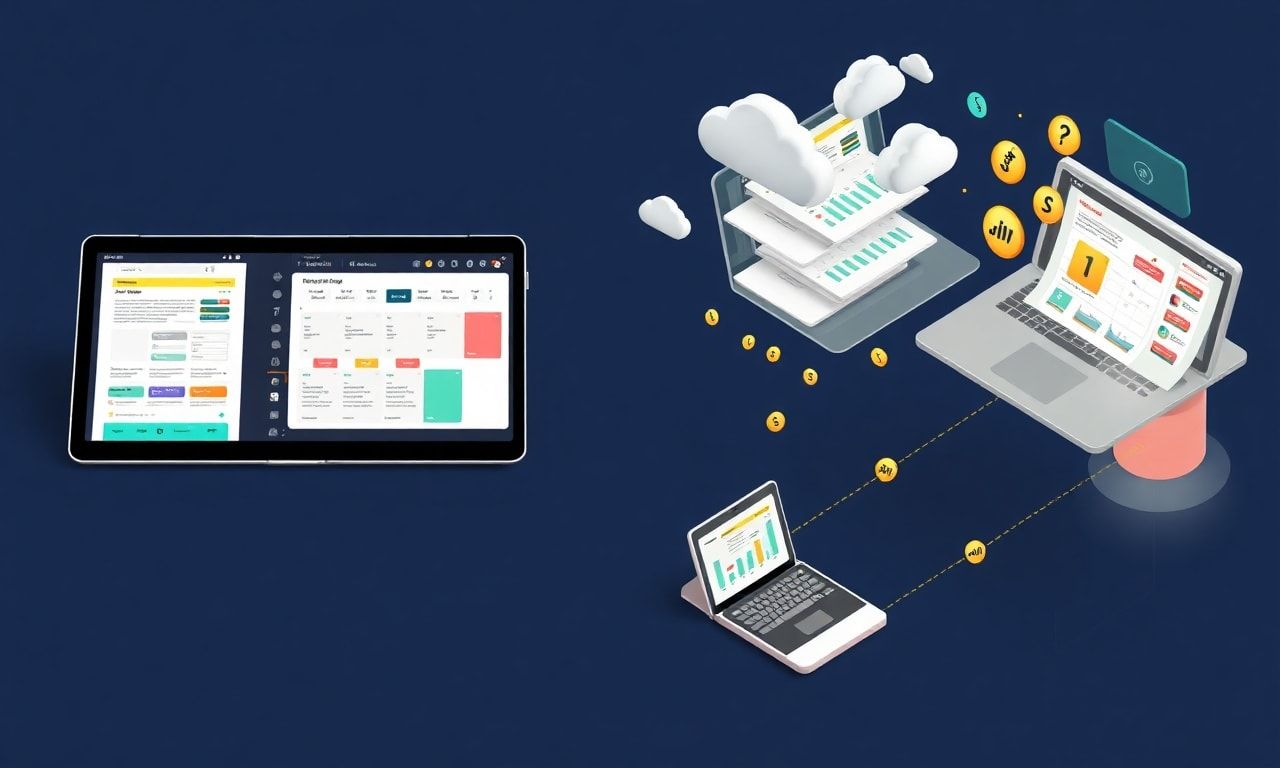
The Ultimate Guide to Creating Digital Planners for Etsy: Unlock Success with the Best AI Tools for Etsy Sellers
Introduction: The Digital Planner Revolution on Etsy
The digital marketplace on Etsy has exploded with opportunity, and at the forefront of this digital product boom are digital planners. For creative entrepreneurs and Etsy sellers, digital planners represent a scalable, in-demand product with high-profit margins and the potential for passive income. But in a crowded marketplace, how do you stand out, streamline your creation process, and build a thriving shop? The answer lies in leveraging the best AI tools for Etsy sellers.
This comprehensive guide will walk you through every step of creating and selling stunning digital planners on Etsy, with a special focus on how artificial intelligence can transform your workflow from concept to customer. Whether you’re a seasoned designer or a complete beginner, understanding how to integrate these powerful tools will set you apart.
What Are Digital Planners and Why Are They So Popular?
A digital planner is a hyperlinked PDF file designed to be used on tablets (like iPads or Android devices) or computers with note-taking apps such as GoodNotes, Notability, or Xodo. They replicate the experience of a physical planner but with added digital convenience: clickable tabs, endless duplicate pages, and integrated multimedia.
The market demand is driven by:
- Customization: Users can tailor them to their exact needs.
- Portability: Carry an entire library of planners on one device.
- Sustainability: A paperless, reusable alternative.
- Functionality: Embedded links, stickers, and widgets enhance productivity.
For you, the seller, they are a perfect product: no inventory, no shipping, high perceived value, and the ability to sell the same file an unlimited number of times.
Step-by-Step: How to Create a Digital Planner for Etsy
Step 1: Niche Research and Conceptualization
Before you open a design program, you must validate your idea. Use Etsy’s built-in search to see what’s already selling. Look for gaps in the market. Are there enough undated academic planners for college students? What about minimalist meal planners for busy professionals?
AI-Powered Insight: Tools like Jasper or Copy.ai can help you brainstorm niche ideas, generate product names, and even craft initial product descriptions based on trending keywords. More advanced market research tools powered by AI, like Marmalead or eRank, analyze Etsy search data to show you exact demand, competition levels, and profitable keywords to target.
Step 2: Planning Your Layout and Functionality
Sketch out the structure. A typical planner includes:
- A master dashboard with hyperlinked tabs
- Yearly, monthly, weekly, and daily spreads
- Specialized pages (habit trackers, finance logs, goal setting)
- A digital sticker book or functional elements
AI Design Assistance: While AI won’t build the hyperlinks for you (yet), it can massively accelerate the visual design phase. Canva’s Magic Studio suite offers AI-powered design suggestions, background removers, and text-to-image generators to create unique artwork for your cover and interior pages. Adobe Firefly, integrated into Illustrator and Photoshop, can generate patterns, icons, and thematic graphics based on simple text prompts.
Step 3: Designing Your Planner
This is where your creativity meets technology. The industry-standard software is the Adobe Creative Suite (InDesign for layout, Illustrator for graphics, Photoshop for images). A fantastic and more affordable alternative is Affinity Publisher.
Key Design Principles:
- Consistency: Maintain a cohesive color palette and font scheme (2-3 fonts max).
- Usability: Ensure touch targets (links) are adequately sized.
- Aesthetics: Balance beauty with functionality. White space is your friend.
AI for Streamlined Design: Use Khroma or Adobe Color (which uses AI to suggest palettes from an image) to generate beautiful, harmonious color schemes. Fontjoy uses machine learning to pair fonts that work well together. These tools eliminate hours of trial and error.
Step 4: Adding Hyperlinks for Navigation
This is the most technical step and what makes a planner “digital.” You will use the “Link” tool in your design software to create clickable areas that jump to other pages in the PDF.
Pro Tip: Create a master “link box” on a hidden layer and copy it to every page that needs a “Home” or “Back” button to ensure consistency. Always test every link thoroughly before finalizing.
Step 5: Exporting and Preparing for Sale
Export your final product as a Print-ready PDF (for upload) and a Flattened, Hyperlinked PDF (for customer use). Compress the file size without losing quality using tools like Smallpdf or Adobe Acrobat’s Optimizer.
Create compelling product visuals. This includes:
- A mockup showing the planner in use on a tablet.
- A feature graphic highlighting key pages.
- A short video tutorial showing the navigation.
AI-Enhanced Visuals: Tools like Pixelcut or PhotoRoom use AI to create flawless, professional product mockups in seconds. Simply upload your planner screen, and the AI places it perfectly onto a stock device image with realistic shadows and lighting.
The Best AI Tools for Etsy Sellers: A Game-Changer Toolkit
Integrating AI into your Etsy business isn’t about replacing your creativity; it’s about amplifying it and automating the mundane. Here are the top AI tools categorized by function:
1. For Product Ideation & Market Research:
- Marmalead / eRank: These are essential. Their AI algorithms analyze millions of Etsy searches to give you precise keyword volume, competition scores, and trend forecasts.
- Jasper (Brainstorming Features): Use its “Blog Post Outline” or “Content Improver” templates to generate lists of planner themes, features, and target audience pain points.
2. For Design & Content Creation:
- Canva Magic Studio: A one-stop shop. Use Magic Write for description drafts, Magic Design to get template ideas, Magic Media to generate images for your covers, and Magic Animate for simple promotional videos.
- Adobe Firefly: For professional-grade, commercially safe image generation, text effects, and vector recoloring directly within your design workflow.
- Flair.ai: Specifically designed for creating branded product photography with AI, perfect for generating eye-catching listing images.
3. For Listing Optimization & SEO:
- Listadog: This tool uses AI to analyze your listings and your top competitors’ listings, providing a score and specific recommendations to improve your Etsy SEO, titles, and tags.
- ChatGPT / Claude: Prompt these LLMs (Large Language Models) with: “Write a compelling, keyword-rich Etsy product description for a [Your Niche] digital planner, highlighting features like hyperlinked tabs, undated pages, and compatibility with GoodNotes. Target keywords: [list your keywords].” Then, refine the output with your unique voice.
4. For Marketing & Social Media:
- CapCut / Canva: Their AI tools can auto-generate captions for videos, suggest trending audio, and edit clips for TikTok or Instagram Reels to promote your planners.
- Buffer / Hootsuite AI: These social media management platforms now include AI assistants to help you craft engaging post copy and optimal posting schedules.
Launching and Marketing Your Etsy Digital Planner
- Craft a Killer Listing: Use your primary keyword (“digital planner”) and niche keywords (“teacher planner,” “fitness tracker”) in your title. Use all 13 tags. Your description should tell a story, solve a problem, and list features/bullet points clearly.
- Price Strategically: Research competitors. A common range is $10-$40, depending on complexity. Consider offering a “lite” version at a lower price point.
- Leverage Social Proof: Encourage reviews by including a friendly note in your download file. Consider a small launch discount for your first few customers.
- Promote Beyond Etsy: Use Pinterest (a visual search engine perfect for planners!), Instagram Reels showing your planner in use, and YouTube tutorials.
FAQ Section
Q1: Do I need to be a graphic designer to create digital planners for Etsy? A: Not at all! While design skills help, many successful sellers start with user-friendly tools like Canva and pre-made templates. The best AI tools for Etsy sellers, like Canva’s AI features, are specifically designed to bridge the skill gap, helping you create professional-looking designs with text prompts and smart suggestions.
Q2: What are the most important things to test before listing my digital planner? A: First, test all hyperlinks on multiple PDF readers (Adobe Acrobat, Preview) and note-taking apps (GoodNotes). Second, ensure file size is manageable (usually under 100MB). Third, check that fonts are embedded or outlined so they display correctly for all customers. Finally, proofread every page for typos.
Q3: How can AI help me scale my Etsy shop once I have a best-selling planner? A: AI is a force multiplier for scaling. You can use it to:
- Create Product Variations: Generate ideas and assets for different color schemes or themed versions of your best-seller.
- Automate Customer Service: Use AI-assisted email templates for common download or technical questions.
- Write Bulk Content: Quickly generate blog posts, social media captions, and email newsletters to drive traffic to your shop.
- Analyze Performance: Use AI-driven analytics in tools like eRank to understand what’s working and double down on successful strategies.
Conclusion: Your Path to Etsy Success Starts Now
Creating and selling digital planners on Etsy is a vibrant and accessible path to building a creative online business. The process—from niche research to design, hyperlinking, and marketing—has been revolutionized by accessible technology. By strategically adopting the best AI tools for Etsy sellers, you can work smarter, not harder. These tools reduce the barriers to entry, accelerate your production timeline, and enhance your marketing, allowing you to focus on what truly matters: creating valuable products for your customers and growing your brand.
The digital planner market is still growing. There is room for your unique vision, your chosen niche, and your creative flair.
Ready to Transform Your Etsy Journey?
Don’t let the technical details hold you back. Choose one AI tool from this guide—whether it’s Canva Magic Studio for design or an SEO optimizer like Listadog—and implement it in your next planner project this week. Take that first step to automate, enhance, and elevate your creative process. Your future customers are waiting for the planner only you can create.
Start creating your first (or next) best-selling digital planner today.