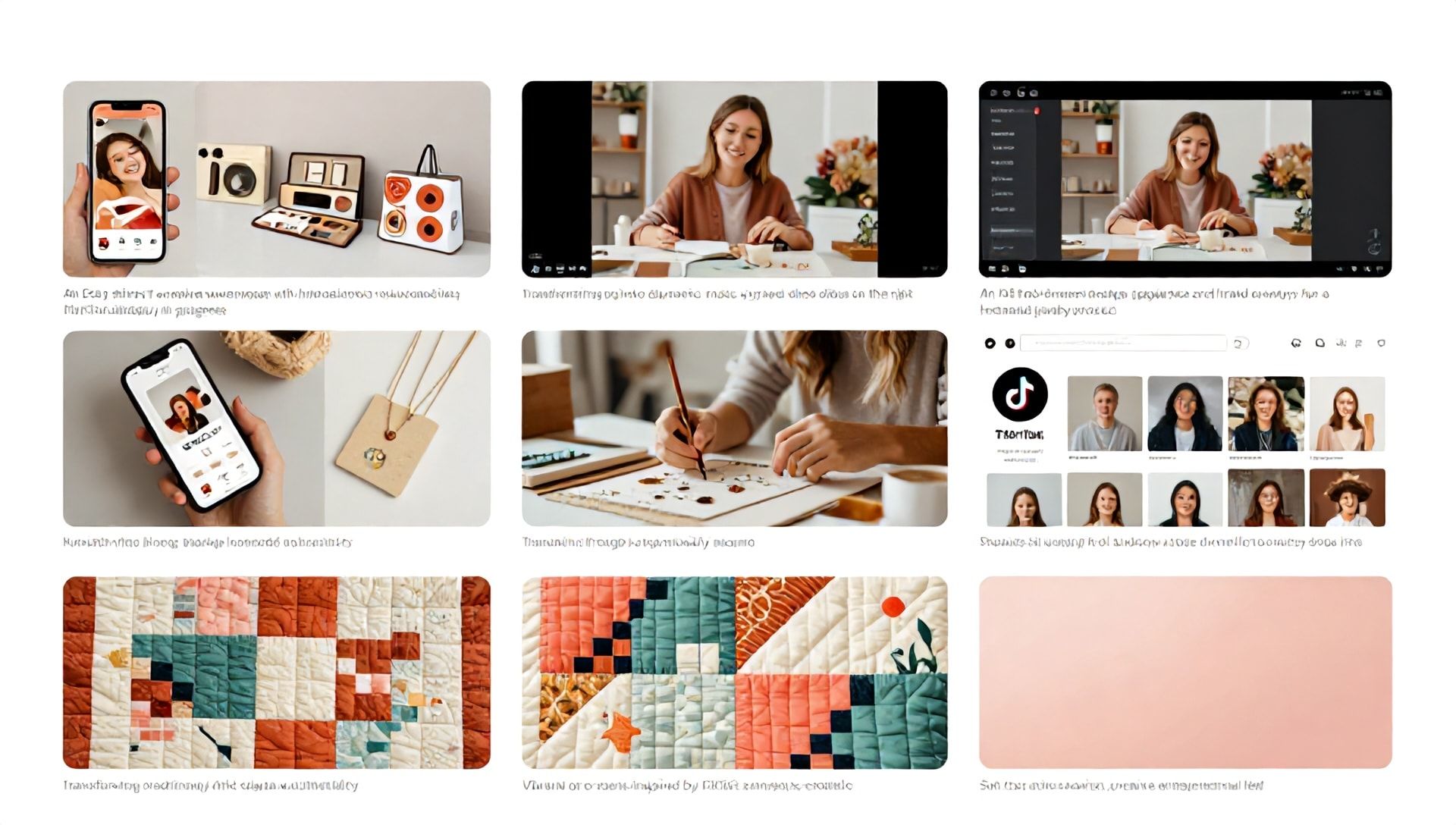
The Ultimate Guide: How to Make Slideshow Videos for TikTok Using the Best AI Tools for Etsy Sellers
Introduction: Why Etsy Sellers Must Master TikTok Slideshows
In the bustling digital marketplace, Etsy sellers face the constant challenge of standing out. With over 7.5 million active sellers on the platform, visual storytelling isn’t just an advantage—it’s a necessity. Enter TikTok, a powerhouse of discovery with over 1 billion monthly active users, where short-form video reigns supreme. For creative entrepreneurs, slideshow videos on TikTok present a unique, low-lift opportunity to showcase products, share behind-the-scenes glimpses, and connect with a community that craves authenticity.
But creating engaging content consistently can be time-consuming. This is where leveraging the best AI tools for Etsy sellers transforms the game. These intelligent platforms can automate design, suggest trends, and optimize your content, freeing you to focus on what you do best: creating and running your shop. This comprehensive guide will walk you through the entire process of creating captivating TikTok slideshows, powered by AI, to drive traffic, build your brand, and boost your Etsy sales.
What Are TikTok Slideshow Videos and Why Do They Work?
H2: Defining the Slideshow Format
A TikTok slideshow video is a sequence of static images, text screens, or short video clips stitched together, often synchronized with music or a voiceover. Unlike a fast-paced, single-shot video, slideshows allow for controlled pacing, clear messaging, and a highlight-reel effect perfect for storytelling.
H3: The Psychology Behind Their Effectiveness
This format capitalizes on several key psychological principles:
- Reduced Cognitive Load: Viewers can process images and text more easily than complex video scenes.
- Story Arc Clarity: You can guide the viewer through a clear beginning, middle, and end—ideal for tutorials, product journeys, or customer testimonials.
- Aesthetic Control: Each slide is a chance to present a polished, on-brand image of your product.
H3: Benefits for Etsy Sellers
For Etsy entrepreneurs, slideshows are particularly potent:
- Showcase Product Details: Highlight intricate craftsmanship, material close-ups, or color variations.
- Demonstrate Use Cases: Show your product in different settings or as part of a lifestyle.
- Share Your Process: Build trust by showing the “making of” your items.
- Repurpose Content: Easily transform your existing Etsy listing photos into dynamic video content.
- Drive Link Clicks: Use the format to tease a product and direct traffic straight to your Etsy shop via your TikTok bio link.
Step-by-Step: How to Make a Viral-Worthy Slideshow for TikTok
H2: Step 1 – Strategy and Storyboarding
Before you open any app, plan your content.
- Objective: Is this for a new launch, a tutorial, or a customer feature?
- Target Audience: What does your ideal customer want to see?
- Story Flow: Outline the sequence: Hook -> Problem -> Solution (Your Product) -> Benefits -> Call-to-Action.
- Asset Collection: Gather high-quality photos, logos, brand colors, and any video clips.
H2: Step 2 – Creation and Assembly (The Manual & AI Way)
This is where the best AI tools for Etsy sellers begin to save you immense time.
The Manual Path: You can use apps like CapCut, InShot, or even TikTok’s native editor to manually import images, set durations, add transitions, and sync music.
The AI-Powered Path: This is the modern seller’s secret weapon. AI video tools can automate most of this process.
H2: Step 3 – Enhancement with Music, Text, and Voiceovers
- Audio: Use TikTok’s vast commercial music library or trending sounds. AI tools like Synthesia or Murf.ai can generate branded voiceovers without you recording a thing.
- Text Overlays: Add captions, highlights, or engaging questions. AI in tools like Canva or Pictory can suggest text placements and even auto-generate captions from your script.
- Branding: Consistently use your font, color scheme, and logo watermark.
H2: Step 4 – Optimization and Posting
- Captions: Write engaging, keyword-rich captions. Use questions to encourage comments.
- Hashtags: Mix popular (#Etsy, #Handmade), niche (#CeramicMug, #CrochetTop), and trending hashtags.
- Posting Time: Use TikTok Analytics or general best practices (evenings, weekends) to schedule your posts. AI social schedulers like Predis.ai or Hootsuite can recommend optimal times.
Harnessing the Best AI Tools for Etsy Sellers
Creating content at scale requires smart assistance. Here are the top AI tools categorized by their primary function.
H2: AI Tools for Video Creation & Editing
These tools turn ideas and assets into finished slideshows.
H3: 1. Pictory
- Best For: Transforming blog posts (like your Etsy descriptions) or scripts into video.
- Key Feature: AI extracts key points and automatically matches them with relevant stock footage or your uploaded images. Perfect for creating “How to use” or “The story behind this piece” videos.
- EEAT Note: It amplifies your expertise by visually articulating the knowledge you’ve already written down.
H3: 2. InVideo
- Best For: Sellers who want a vast template library powered by AI.
- Key Feature: Its AI text-to-video feature can generate a complete slideshow video from a single text prompt (e.g., “A slideshow showing the 5-step process of making my scented soy candles, upbeat music”).
- EEAT Note: Templates ensure a professional look, building user trust in your brand’s credibility.
H3: 3. Canva (with Magic Studio)
- Best For: The all-in-one design powerhouse. Every Etsy seller should be familiar with Canva.
- Key Feature: Magic Media (AI text-to-image) can generate unique visuals for your slides. Magic Design for Video can create a video draft from your uploaded assets. Its easy editor is perfect for tweaking slideshows.
- EEAT Note: Its ubiquity and ease of use make it a trustworthy, accessible tool for sellers of all skill levels.
H2: AI Tools for Scripting & Ideation
Beat creator’s block with AI brainstorming.
H3: 4. ChatGPT or Claude
- Best For: Generating video scripts, caption ideas, and content calendars.
- Prompt Example: “Act as an expert social media manager for a handmade jewelry Etsy shop. Generate a 15-second TikTok slideshow script showcasing a new necklace, focusing on its artisan details.”
- EEAT Note: These tools help structure your first-hand experience and product knowledge into compelling narratives.
H3: 5. Copy.ai
- Best For: Crafting high-conversion video hooks and captions.
- Key Feature: Specialized frameworks for social media videos, ensuring your first 3 seconds grab attention.
- EEAT Note: Helps translate your authentic selling points into language that resonates, maintaining your authentic voice.
H2: AI Tools for Thumbnails & Visuals
Stop scrolling starts with a compelling thumbnail.
H3: 6. Midjourney or DALL-E 3
- Best For: Creating stunning, unique cover images or thematic visuals for your slideshows that don’t exist in stock photo libraries.
- Key Feature: Generate images based on detailed prompts describing your product’s style, mood, and setting.
- EEAT Note: Allows for unparalleled originality, showcasing the unique artistic vision behind your shop.
Advanced Tips: Integrating AI Tools into Your Etsy Workflow
H2: Building a Repeatable Content System
- Batch Create: Use ChatGPT to brainstorm a month of video ideas.
- Batch Produce: Use Pictory or InVideo to create 4-5 slideshow drafts in one sitting.
- Batch Edit: Bring all drafts into Canva for final brand tweaks and consistency.
- Schedule: Use a scheduler with AI analytics (like Buffer or Predis.ai) to publish automatically.
H2: Maintaining Authenticity with AI
- Your Voice is Key: Always edit AI-generated scripts to sound like you.
- Use Your Own Photos: AI visuals should complement, not replace, your actual product photos.
- Disclose When Helpful: Building trust sometimes means saying, “I used AI to help edit this video so I could spend more time at the pottery wheel.”
Frequently Asked Questions (FAQ)
H2: Can I really use AI tools without any video editing experience?
Absolutely. The best AI tools for Etsy sellers, like Canva Magic Studio or InVideo, are designed with beginners in mind. They use templates, simple drag-and-drop interfaces, and text-based prompts to do the heavy lifting. You guide the creative direction; the AI handles the technical execution.
H2: Is it against TikTok’s rules to use AI-generated content?
No, it is not against TikTok’s rules. TikTok welcomes creative use of AI. However, for transparency and trust—especially when showcasing products—it’s best practice to ensure AI-generated imagery is clearly not misrepresented as the actual product. Always use genuine photos of your items. TikTok does require labeling for AI-generated content that contains realistic images, audio, or video in certain political or sensitive contexts, but for commercial creative use, it’s broadly permitted.
H2: Which AI tool is the most cost-effective for a new Etsy seller starting out?
Canva Pro is arguably the most cost-effective starting point. For approximately $12/month, you get access to its full AI Magic Studio suite, a massive library of templates, stock media, and its powerful video editor. It covers graphic design for your shop, social content, and video creation, making it an unparalleled all-in-one value for a new seller.
H2: How can I ensure my AI-assisted slideshows still look authentic to my brand?
Maintain strict brand consistency. Create a brand kit in your chosen tool (Canva excels here) with your exact hex color codes, fonts (one for headers, one for body), and logo. Apply this kit to every video. Use AI for ideation and assembly, but always finalize with your human eye to ensure the mood, messaging, and visuals align perfectly with your shop’s unique personality.
Conclusion: Your Next Steps Toward TikTok Success
Mastering how to make slideshow videos for TikTok is no longer a daunting task reserved for video editors. By strategically employing the best AI tools for Etsy sellers, you can automate the complex, streamline the creative, and focus your energy on the heart of your business: creating amazing products and connecting with customers.
The algorithm favors consistent, engaging content. A steady stream of well-produced slideshow videos—telling your shop’s story, highlighting your craftsmanship, and answering customer questions—will position you as an authority, build a loyal following, and open a vital traffic channel directly to your Etsy storefront.
Ready to Transform Your Etsy Marketing?
Start small, but start smart. Pick one AI tool from this guide—perhaps Canva for its versatility or Pictory for its script-to-video magic—and commit to creating your first TikTok slideshow this week. Use your best-selling product as the star. Remember, your authenticity is your superpower; let AI be the tool that helps you amplify it.
Your audience is waiting to discover you. Show them what you make.