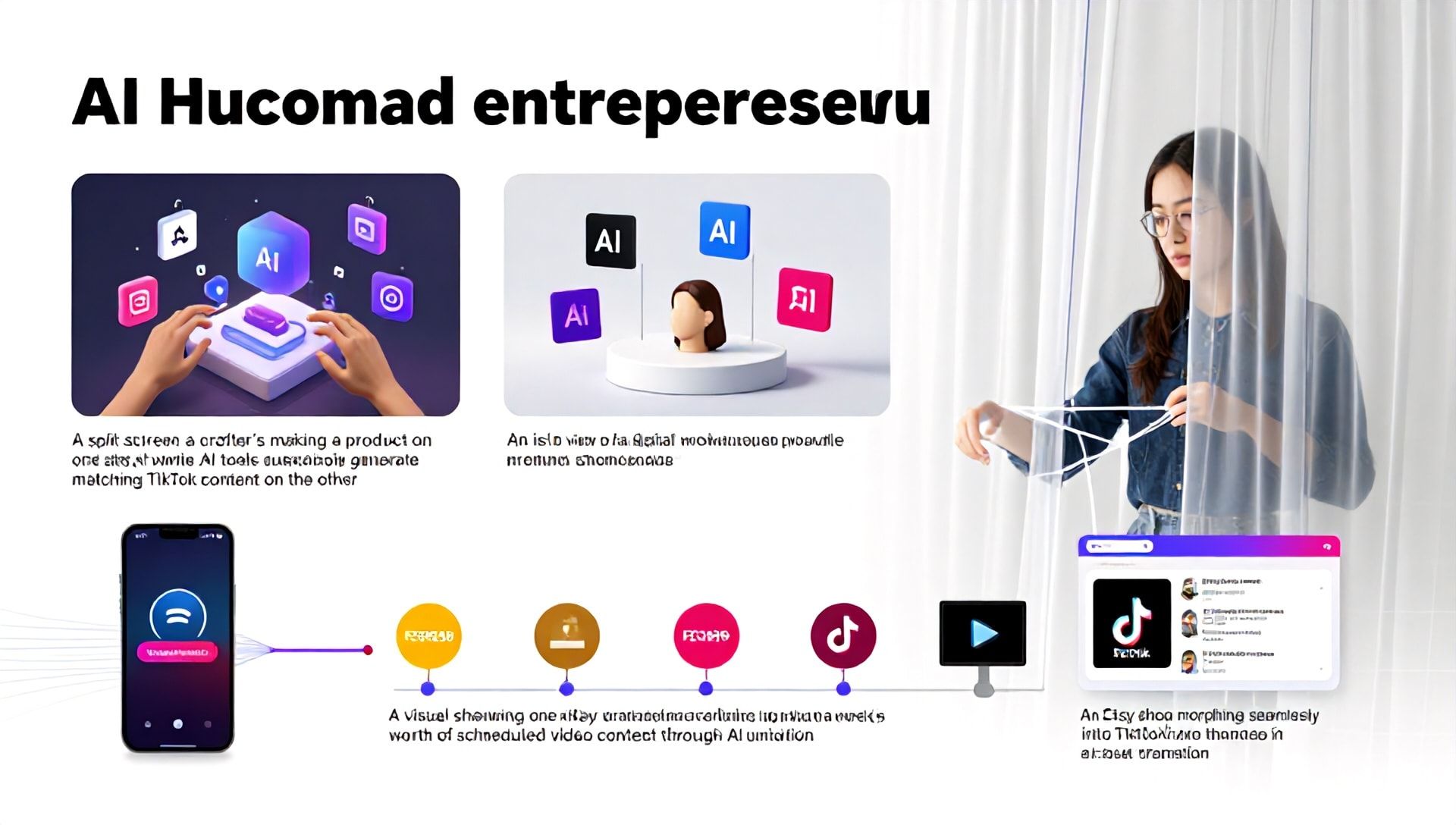
The Ultimate Guide to Making Faceless Videos for TikTok Using AI: Best AI Tools for Etsy Sellers
Introduction: The Rise of the Faceless Creator on TikTok
In the bustling digital marketplace of TikTok, a quiet revolution is taking place. A new wave of creators—entrepreneurs, artists, and especially Etsy sellers—are building massive audiences and driving significant sales without ever showing their face. This “faceless” content strategy leverages the power of visual storytelling, automation, and, most importantly, Artificial Intelligence (AI) to create captivating videos. For the creative entrepreneur, this approach is more than a trend; it’s a scalable, efficient, and highly effective method to showcase products, share tutorials, and build a brand. This comprehensive guide will walk you through the entire process of creating faceless TikTok videos, with a special focus on the best AI tools for Etsy sellers to streamline and elevate their content creation.
Why Etsy Sellers Should Embrace Faceless TikTok Videos
Before diving into the “how,” let’s explore the “why.” For an Etsy seller, time is the most precious commodity. Every hour spent filming and editing is an hour not spent designing, crafting, or managing customer relationships. Faceless videos powered by AI solve this core problem.
- Scalability & Efficiency: Create a week’s worth of content in an afternoon. AI tools automate the most time-consuming parts of video production.
- Focus on Product: The product becomes the undeniable star of the video. No distractions, just pure, compelling visual appeal.
- Overcome Camera Shyness: Not everyone is comfortable on camera. This method allows you to build a brand based on your craft, not your on-screen persona.
- Brand Consistency: AI tools can help maintain a consistent visual style, color palette, and tone across all your videos, strengthening brand recognition.
- Algorithm-Friendly: TikTok’s algorithm favors consistent, engaging content. AI enables you to post regularly with high-quality videos, signaling to the algorithm that your account is active and valuable.
Your Toolkit: The Best AI Tools for Etsy Sellers
The cornerstone of efficient faceless video creation is a powerful AI toolkit. These tools handle everything from scripting and voiceovers to video generation and editing. Here are the best AI tools for Etsy sellers categorized by their primary function.
1. AI Script & Content Idea Generators
These tools help you overcome creative block and structure your video narrative.
- ChatGPT (OpenAI): The industry standard. Perfect for brainstorming video hooks, writing engaging scripts in a TikTok-friendly style, and generating lists of content ideas tailored to your Etsy niche (e.g., “50 TikTok video ideas for a handmade jewelry shop”).
- Jasper: Excellent for crafting branded, marketing-focused copy. It can help write product descriptions that double as video scripts, emphasizing benefits and storytelling.
2. AI Voiceover & Audio Tools
A compelling voiceover is critical for faceless content. Your voice is your brand’s voice.
- ElevenLabs: Arguably the leader in realistic AI speech synthesis. It offers a wide range of natural-sounding voices and allows for fine-tuning emotion, tone, and pacing. Crucial for maintaining a warm, approachable, or authoritative brand voice.
- Murf.ai: User-friendly with a vast library of voices in multiple languages and accents. Great for creating consistent audio without the need for expensive recording equipment or your own vocal strain.
- Descript: Beyond voice cloning, it’s a full audio/video editor. You can edit audio by editing text, a game-changer for quickly fixing mistakes in voiceovers.
3. AI Video Generation & Stock Footage
These are the workhorses for creating your visual assets without a camera.
- Synthesia: Creates professional AI avatars that deliver your script. While not “faceless” in the traditional sense, it allows you to use a digital representative, which can be powerful for explainer or tutorial videos.
- Pictory & InVideo AI: These tools can transform a script or article (like a blog post or product description) into a full video. Provide them with your script, select a style, and they’ll generate a video using AI-powered stock footage, text overlays, and a soundtrack.
- Runway ML: For the more advanced creator. Offers generative AI to create custom video clips, remove backgrounds, or apply stylistic filters to your product shots.
4. AI Editing & Enhancement Suites
Polish your raw clips into TikTok-ready masterpieces.
- CapCut: While not exclusively AI, its built-in AI features are stellar for TikTok. It offers auto-captions (vital for accessibility and watch time), AI-powered filters, smooth transitions, and trending templates.
- HeyGen: Specializes in creating talking-head videos with AI avatars and voiceovers, useful for personalized messaging.
- Adobe Premiere Pro (with Sensei AI): The professional choice. Its AI features like Auto Reframe, Color Match, and intelligent audio cleanup can dramatically speed up the editing process.
Step-by-Step: How to Make a Faceless TikTok Video with AI
Follow this proven workflow to go from idea to published video.
Step 1: Ideation & Scripting (Leverage ChatGPT)
Start with a goal. Are you showcasing a new product? Sharing a DIY tip? Answering a common customer question?
- Prompt ChatGPT: “Act as a TikTok marketing expert for an Etsy store selling [Your Niche, e.g., ‘hand-poured soy candles’]. Write a 15-second TikTok script that highlights the unique scent and handmade process of a new candle. Use a hook, problem/solution structure, and a clear call-to-action.”
- Refine the Output: Edit the script to sound like your brand. Keep sentences short and punchy for TikTok’s fast pace.
Step 2: Create the Audio Bed (Using ElevenLabs or Murf.ai)
- Generate the Voiceover: Paste your final script into your chosen AI voice tool. Select a voice that matches your brand—friendly, sophisticated, energetic.
- Add Background Music: Use TikTok’s commercial-free music library or a service like Epidemic Sound. Ensure the music is low and doesn’t overpower the voiceover.
Step 3: Generate & Gather Visuals (The Core of Faceless Content)
This is where your product shines.
- Option A: Use Your Own Product Footage: Film simple, high-quality B-roll of your product. Close-ups of textures, the product in use, creation process shots. Use your smartphone on a stabilizer.
- Option B: Augment with AI Tools: Use Pictory to generate complementary B-roll based on keywords in your script (e.g., “cozy room,” “gift wrapping”). Use Runway to remove the background from your product shots.
Step 4: Assembly & Editing (Master with CapCut)
- Import: Bring your voiceover audio, music track, and all video clips into CapCut.
- Sync: Lay the voiceover track first. Align your visual clips to match what is being described.
- AI Enhancements:
- Click “Auto Captions” and let AI generate subtitles. Edit for accuracy and use bold keywords.
- Use “Auto Cutout” to create dynamic picture-in-picture effects with your product.
- Apply consistent color filters for brand identity.
- Pacing: Ensure cuts are fast (every 1-3 seconds) to maintain TikTok’s high energy.
Step 5: Optimization & Publishing
- Hook-First Preview: The first 2 seconds must be gripping. Use text overlay or your most visually stunning clip.
- On-Screen Text: Beyond captions, add keyword-rich text cards (e.g., “Handmade in Seattle,” “Lasts 60 Hours”).
- Description & Hashtags: Write a compelling description with your target keyword (best AI tools for Etsy sellers can be used contextually). Use a mix of niche, trending, and broad hashtags (e.g., #EtsySeller, #AIforCreators, #HandmadeGifts).
- Post & Engage: Publish at your optimal time and respond to every comment to boost engagement.
Advanced Strategies for Etsy Sellers
- Create “Satisfying” Process Videos: Use AI-enhanced slow-motion and crisp audio to amplify the satisfying aspects of your creation process (e.g., carving wood, pouring resin).
- Educational Series: Use a tool like Synthesia to create a digital host for a “Tips for Home Decor” series that subtly features your products.
- User-Generated Content (UGC) Style: AI can help you simulate authentic UGC. Create scripts that sound like customer testimonials and pair them with clean product shots.
Frequently Asked Questions (FAQ)
Q1: Is it against TikTok’s rules to use AI in videos? A: No, using AI tools to create content is not against TikTok’s terms of service. However, you must be transparent if an AI-generated person or voice is meant to represent a real human without being clearly synthetic. Always prioritize creating authentic, valuable content for your audience.
Q2: As an Etsy seller, won’t faceless content feel impersonal? A: Quite the opposite. Personality can be infused through your brand’s unique voice (literally, via your chosen AI voice tone), your storytelling style, the aesthetics of your visuals, and your engagement in the comments. The personality comes from your creative vision, not necessarily your physical presence.
Q3: What is the most cost-effective AI toolkit to start with? A: You can start powerfully with a minimal budget. Use ChatGPT (free tier) for scripting, CapCut (free) for editing and auto-captions, and your own filmed product footage. The first investment should likely be in a premium AI voiceover tool like Murf.ai or ElevenLabs for the most professional audio, which is crucial for credibility.
Q4: Can these AI tools help with video ideas for a very specific niche? A: Absolutely. The key is in the prompt. The more specific you are with AI tools like ChatGPT, the better. Instead of “Give me TikTok ideas,” try: “Generate 10 TikTok video concepts for an Etsy store selling vintage-style embroidery kits, focusing on the themes of mindfulness, nostalgia, and beginner-friendliness.”
Conclusion: Your Creative Future is Automated
The barrier to creating stunning, effective TikTok content has never been lower. For the Etsy seller, embracing the best AI tools for Etsy sellers isn’t about replacing creativity; it’s about amplifying it. It frees you from the technical hurdles and time sinks of video production, allowing your unique artistic vision and products to take center stage. The faceless video trend is your opportunity to build a scalable marketing engine that works for you 24/7.
Ready to Transform Your TikTok Strategy?
Don’t let another day of manual editing and creative friction slow down your Etsy shop’s growth. Choose one AI tool from this guide—whether it’s ChatGPT for scripting or CapCut for editing—and commit to creating your first faceless video this week. Experiment, analyze your TikTok analytics, and iterate. The future of creative entrepreneurship is intelligent, efficient, and powerfully faceless. Start building yours today.