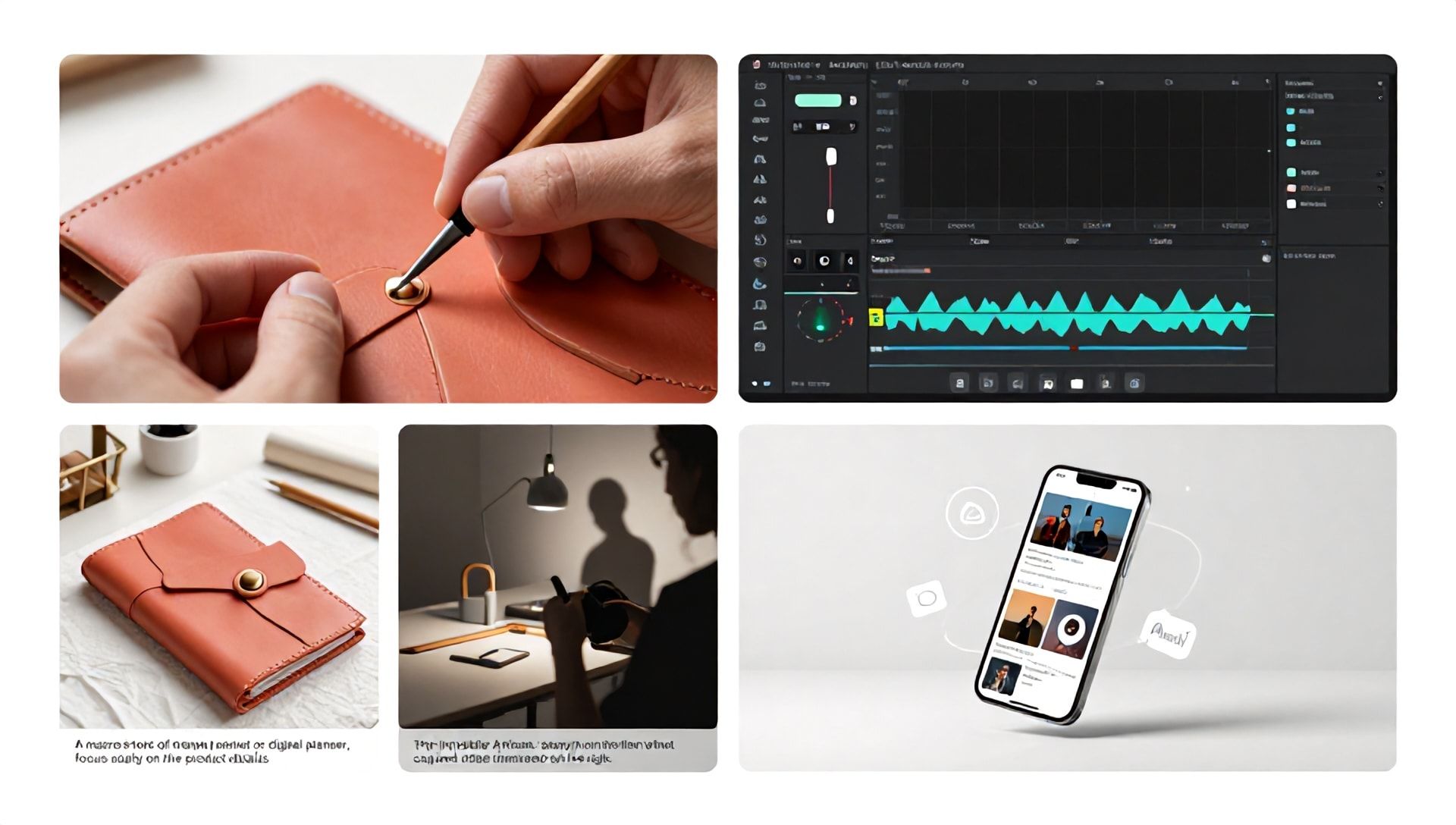
How to Start a Faceless YouTube Channel Using CapCut: A Strategic Guide for Etsy Sellers
Introduction: The Rise of the Faceless Creator
In today’s digital landscape, you don’t need to be in front of the camera to build a successful YouTube presence. Faceless YouTube channels are booming, offering a low-barrier entry into content creation while protecting your privacy. For Etsy sellers, this presents a phenomenal opportunity to showcase products, share tutorials, and drive targeted traffic without the pressure of being on-screen.
But how do you create compelling visual content without showing your face? The answer lies in smart tools and strategic planning. While this guide focuses on using the powerful, free video editor CapCut to launch your channel, we’ll also explore how integrating the best AI tools for Etsy sellers can supercharge your entire creative and business workflow, from product ideation to video scripting and beyond.
What is a Faceless YouTube Channel & Why is it Perfect for Etsy Sellers?
A faceless YouTube channel creates content without featuring the creator’s physical presence. Instead, it relies on screen recordings, voiceovers, stock footage, animations, text overlays, and B-roll footage to deliver value.
For an Etsy shop owner, this model is uniquely advantageous:
- Focus on Products: The products become the star of the show.
- Scalability: You can batch-create content efficiently.
- Brand Flexibility: The channel can outlive personal changes and can be sold.
- Comfort Zone: Ideal for those who are knowledgeable but camera-shy.
- Professional Appeal: Creates a clean, product-focused aesthetic that appeals to buyers.
Why CapCut is the Secret Weapon for Faceless Content
CapCut, developed by ByteDance (the creators of TikTok), is a free, cross-platform video editor packed with professional features. For a beginner-friendly faceless channel, it’s arguably the best starting tool because it eliminates cost barriers and has a shallow learning curve, yet offers deep functionality.
Key CapCut Features for Etsy Sellers:
- Auto-Captions: Instantly generate accurate subtitles—crucial for mobile viewers and SEO.
- Text-to-Speech (TTS): Multiple AI voice options if you’re not ready to record your own voiceover.
- Vast Media Library: Access to free-to-use trending music, sound effects, and stock footage/images.
- Templates & Auto-Editing: Jumpstart your videos with trendy templates suitable for tutorials, product showcases, and “satisfying” craft videos.
- Advanced Editing: Keyframing, chroma key (green screen), speed control, and smooth transitions.
Step-by-Step: Launching Your Faceless Etsy YouTube Channel with CapCut
Step 1: Strategic Niche & Channel Branding
Before you open CapCut, define your channel’s purpose.
- Niche Down: Don’t be “an Etsy channel.” Be “a channel for handmade leather journal tutorials,” “digital planner customization ideas,” or “sustainable jewelry making.”
- Keyword Research: Use tools like YouTube Search Suggest, TubeBuddy, or VidIQ. Find what your target customer is searching for (e.g., “how to use digital sticker kits,” “care instructions for resin coasters”).
- Brand Assets: Create a simple, recognizable channel logo, banner, and consistent color scheme/thumbnails using Canva (another essential tool in your kit).
Step 2: Content Planning & Scripting
Content is king, even without a face.
- Video Ideas: How-tos, product creation processes (satisfying compilations), packaging unboxings, niche tips, “day in the life” of your shop (using screen recordings), customer Q&As.
- Script Writing: Write a clear script for your voiceover. This is where the first of the best AI tools for Etsy sellers can help. AI writing assistants like ChatGPT or Jasper can help you outline videos, generate engaging script hooks, and create compelling video descriptions and tags.
Step 3: Gathering & Creating Your Media Assets
You’ll need:
- Voiceover: Record a clear audio script on your phone or a basic USB mic.
- Visuals:
- Screen Recordings: (For digital product tutorials, Shopify store walkthroughs).
- Product B-Roll: High-quality, well-lit shots of your products in use.
- Stock Footage: From CapCut’s library or sites like Pexels/Pixabay for filler.
- Graphics/Text: Prepare in Canva or use CapCut’s text tools.
Step 4: Editing Your First Video in CapCut (A Practical Walkthrough)
Let’s edit a sample video: “5 Pro Tips for Using Your New Printable Planner.”
- Create a New Project: Open CapCut and start a new project with a 16:9 (YouTube) aspect ratio.
- Import & Arrange Media: Import your voiceover audio, product images, screen recordings, and any stock footage. Drag the voiceover to the primary audio track.
- Sync Visuals to Audio: On the video track, place your clips so they match what you’re talking about. Use the “Split” tool to cut clips to the right length.
- Add Dynamic Text & Captions:
- Go to Text -> Auto Captions. Let CapCut generate subtitles from your voiceover. Edit for accuracy.
- Add stylized title text for your “Tip #1,” “Tip #2,” etc., using the Text menu.
- Incorporate AI Voice (If Needed): If using TTS, go to Audio -> Text to Speech. Type a segment, choose a voice, and it generates. Adjust speed and pitch.
- Enhance with Effects:
- Transitions: Add subtle transitions (like Fade or Blur) between major sections.
- Effects: Use slight zoom-ins (keyframing) on product details for emphasis.
- Background Music: Add a low-volume, non-distracting track from CapCut’s library.
- Color Correction & Export: Use the Adjust and Filter options to ensure consistent, bright, appealing colors. Export at 1080p or 4K for the best quality.
Step 5: Optimizing & Uploading to YouTube
- Thumbnail: Create a custom, bold thumbnail in Canva with text and a compelling product image.
- Title: Include your target keyword naturally. E.g., “5 Game-Changing Tips for Your Etsy Printable Planner | Maximize Productivity”
- Description: Write a detailed description with timestamps, links to your Etsy shop, and a full transcript. Use relevant keywords.
- Tags: Use a mix of broad and specific tags (e.g., “Etsy printables,” “planner tutorial,” “digital planning,” “printable planner tips”).
Supercharging Your Workflow: The Best AI Tools for Etsy Sellers
While CapCut handles the video, these AI tools streamline everything else, making you a more efficient and effective creator-seller.
-
AI Content & Marketing Tools:
- ChatGPT/Jasper: As mentioned, these are powerhouse writing assistants for product descriptions, video scripts, blog posts, and social media captions. They can brainstorm hundreds of YouTube video ideas tailored to your niche.
- Canva Magic Studio: Offers AI-powered design tools like Magic Write for copy, Magic Switch to repurpose content, and AI image generation to create unique graphics for your videos.
-
AI Visual & Product Tools:
- Midjourney/DALL-E 3: For sellers of digital products, these AI image generators can create stunning, unique artwork, pattern designs, and graphics to sell or use as visual assets in your videos.
- Remove.bg: Instantly removes backgrounds from your product photos for clean, professional-looking visuals in your thumbnails and videos.
- AI SEO & Business Intelligence Tools:
- Everbee / Marmalead: These are specialized AI tools for Etsy sellers that analyze market trends, suggest high-traffic keywords for your listings and YouTube content, and help you understand what customers are actively searching for.
- ChatGPT Plugins: With plugins, ChatGPT can analyze Etsy data, helping you with competitor research and pricing strategies.
Integrating these AI tools means you can use CapCut to produce a video about, for example, “How to Create Best-Selling T-Shirt Designs with AI,” using AI to generate the designs, write the script, and suggest the SEO keywords—a perfect content loop.
Frequently Asked Questions (FAQ)
Q1: Do I need expensive equipment to start a faceless YouTube channel for my Etsy shop? A: Not at all. You can start with just your smartphone for recording product shots, a free video editor like CapCut, and a quiet room for voiceovers. The most important investment is your time and strategy.
Q2: Can I really use AI voices on YouTube without getting demonetized? A: Yes, YouTube allows AI-generated voices. The key is to ensure the content itself is original, valuable, and adheres to YouTube’s policies. However, a genuine human voiceover often builds better connection and trust with your audience over time.
Q3: How do I drive traffic from my YouTube channel to my Etsy shop effectively? A: Use clear calls-to-action in your video (verbally), in your video’s end screen, and in the pinned comment and description. Link directly to the specific product featured. Create content that solves a problem your product addresses, making the click to your shop a natural next step for the viewer.
Q4: What are the best types of faceless videos for driving Etsy sales? A: Tutorials using your product, “satisfying” creation process videos, detailed unboxings/packaging tours, educational content related to your niche, and “how to style/use” videos are all highly effective. They demonstrate value and build desire.
Conclusion: Your Creative Journey Begins Now
Starting a faceless YouTube channel with CapCut is more than just a content strategy; it’s a powerful business funnel for your Etsy shop. It allows you to build an audience, establish authority in your niche, and create a permanent, searchable library of content that markets your products 24/7.
Remember, the synergy is key. Use CapCut as your production studio to create visually engaging stories. Leverage the best AI tools for Etsy sellers to handle ideation, scripting, design, and market research with incredible efficiency. This powerful combination allows you, the creative entrepreneur, to focus on what you do best: creating amazing products and connecting with your customers.
Ready to transform your Etsy business and become a YouTube creator? Don’t let perfection be the enemy of progress. Pick one product from your shop today, open CapCut on your computer or phone, and follow Step 4 to create your first 60-second showcase video. Upload it, optimize it, and share the link in your shop announcement. Your future customers are waiting to discover you.