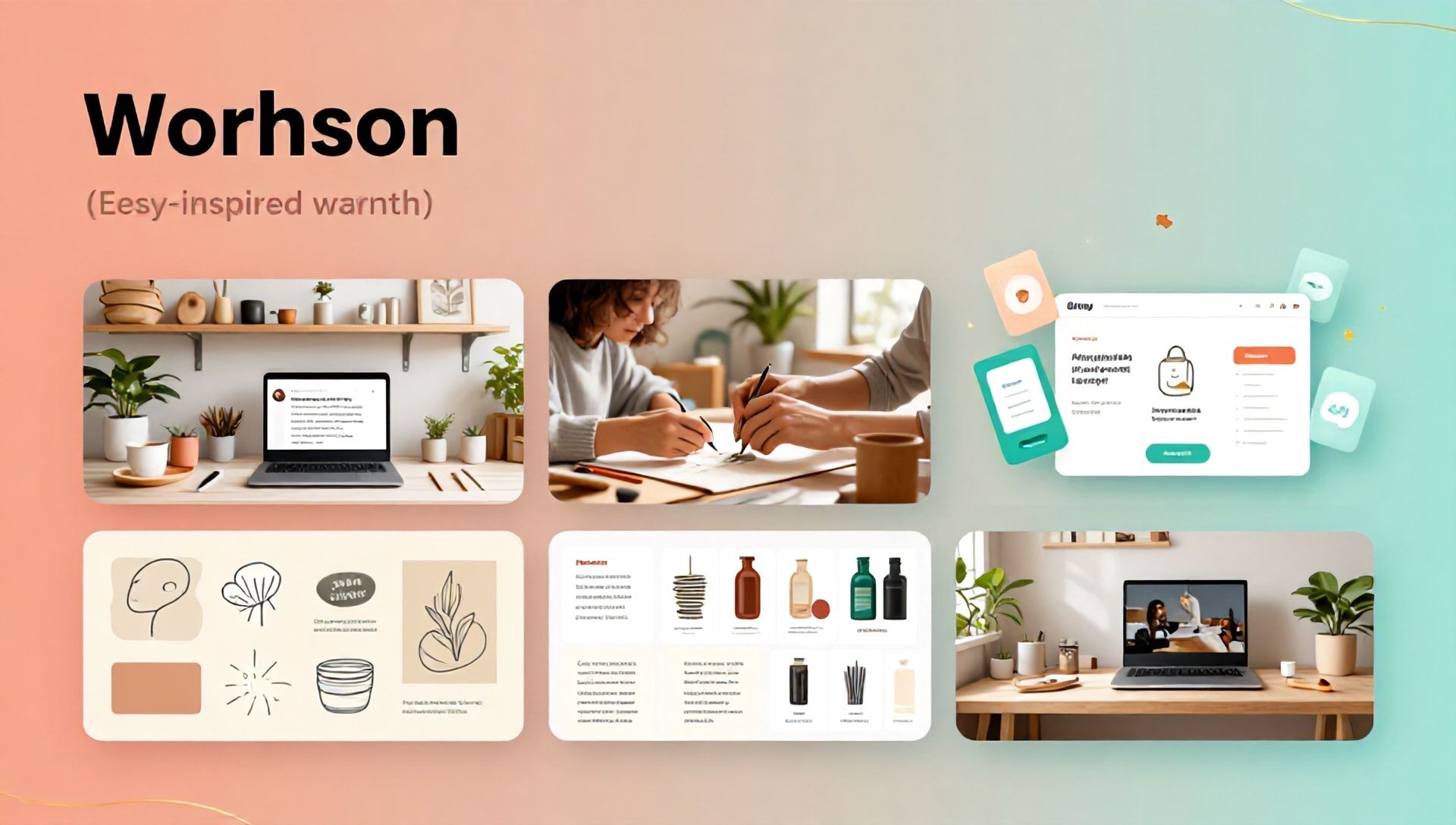
How to Start an Online Business with AI: A Guide for Etsy Sellers Using ChatGPT
Introduction: The AI-Powered Etsy Revolution
The landscape of online selling is undergoing a seismic shift, and artificial intelligence (AI) is at the forefront. For creative entrepreneurs and Etsy sellers, AI tools like ChatGPT are no longer futuristic concepts but practical, accessible assets that can transform a hobby into a thriving business. This comprehensive guide will walk you through the process of launching and scaling an online business on Etsy, leveraging the power of AI to streamline operations, boost creativity, and connect with customers. We’ll also delve into the best AI tools for Etsy sellers to give you a competitive edge from day one.
Why AI is a Game-Changer for Etsy Entrepreneurs
Starting an online business, especially on a platform like Etsy, involves numerous tasks: product ideation, listing creation, customer service, marketing, and SEO. Traditionally, this required significant time, a diverse skill set, or a sizeable budget. AI, particularly conversational models like OpenAI’s ChatGPT, acts as a force multiplier. It can assist with:
- Idea Generation: Overcoming creative blocks for new products.
- Content Creation: Writing compelling product descriptions, blog posts, and social media captions.
- Operational Efficiency: Automating responses to common customer queries.
- Market Research: Analyzing trends and identifying profitable niches.
- SEO Optimization: Helping craft titles and tags that improve discoverability in Etsy search.
Integrating AI allows you to focus on the core creative and quality aspects of your business while automating the administrative heavy lifting.
Step-by-Step: Launching Your AI-Assisted Etsy Business
Step 1: Market Research & Niche Identification with AI
Before creating your first product, use AI to validate your business idea.
- Prompt ChatGPT: “Analyze current trends on Etsy for handmade jewelry [or your category]. What are 5 underserved niches or emerging styles?”
- Keyword Insight: Ask for long-tail keyword suggestions related to your craft to understand what potential customers are searching for.
- Competitor Analysis: While AI can’t browse live, you can feed it competitor descriptions and ask for summaries of their value propositions and gaps.
Step 2: Product Development & Creative Design
AI can be your brainstorming partner.
- Generate Concepts: “Suggest 10 unique product ideas for eco-friendly wedding decor.”
- Refine Designs: Describe a concept and ask for variations on color, material, or style.
- Name Your Products: “Generate catchy and SEO-friendly names for a line of minimalist ceramic plant pots.”
Step 3: Crafting High-Converting Etsy Listings
Your listing is your digital storefront. AI helps make it irresistible.
- Titles: Use prompts like, “Create 5 SEO-optimized Etsy titles for a hand-knitted alpaca wool scarf, focusing on keywords ‘cozy winter scarf’ and ‘luxury gift.'”
- Descriptions: Command: “Write a detailed, persuasive product description for the alpaca wool scarf. Highlight benefits, materials (sustainably sourced), care instructions, and evoke a feeling of warmth and luxury. Include bullet points.”
- Tags: This is critical for Etsy SEO. “Generate a list of 13 relevant search tags for the alpaca wool scarf, including broad and specific terms.”
Step 4: Building Your Brand & Marketing Strategy
- Brand Voice: Define your brand personality (e.g., whimsical, minimalist, rustic) and ask ChatGPT to generate consistent bio text, policy sections, and promotional messages.
- Content Calendar: “Outline a 2-week social media content calendar for promoting a new Etsy sticker shop on Instagram, with post ideas and caption hooks.”
- Email Marketing: Draft welcome sequences for new customers or newsletters to engage your audience.
Step 5: Customer Service & Operations
- Automate Responses: Create templates for frequent questions about shipping, customization, and care instructions.
- Policy Drafting: Get help writing clear, fair shop policies for returns, exchanges, and custom orders.
- Review Responses: Draft gracious and professional responses to both positive and negative reviews.
The Best AI Tools for Etsy Sellers
While ChatGPT is a phenomenal all-rounder, specializing your AI toolkit can yield even better results. Here are the best AI tools for Etsy sellers across different needs:
1. For Copywriting & Listing Optimization: Jasper & Copy.ai
- Jasper: Excellent for long-form content and maintaining a consistent brand voice across all your listings and marketing materials. Its templates can speed up description writing significantly.
- Copy.ai: Offers a user-friendly interface with dedicated tools for generating product descriptions, social media ads, and blog ideas quickly. Great for overcoming writer’s block.
2. For Visual Design & Product Mockups: Midjourney & Canva AI
- Midjourney: A powerful image-generation AI. Use it to create unique design concepts for printables, inspire new patterns for fabrics, or generate visual ideas for product photography setups.
- Canva AI (Magic Studio): Integrates AI tools directly into the familiar Canva interface. Use “Magic Design” to create social media banners, “Magic Write” for captions, and “AI Image Generation” to produce elements for digital products.
3. For SEO & Etsy-Specific Analytics: Marmalead & eRank
- Marmalead: This is a dedicated Etsy SEO tool that uses AI and data to recommend the most effective keywords for your titles and tags. It tests your listings and gives a “score” for optimization.
- eRank: Another Etsy-focused powerhouse. It provides keyword tracking, competitor analysis, and trend reports, helping you make data-driven decisions rather than guessing what might work.
4. For Operational Efficiency: Trello & Notion AI
- Trello with Butler: Use Trello’s built-in automation (Butler) to create AI-like workflows. Automate moving orders from “To Do” to “Shipped” based on due dates.
- Notion AI: If you manage your business in Notion, its AI can help summarize research, generate task lists from meeting notes, and improve the clarity of your internal documentation.
Integrating These Tools with ChatGPT
Think of ChatGPT as your central command. Use it for broad strategy, ideation, and drafting. Then, use specialized tools like Marmalead for keyword refinement, Midjourney for visual concepts, and Jasper for polishing final copy. This multi-tool approach creates a robust and efficient workflow.
Adhering to CORE-EEAT Standards with AI
When using AI, maintaining Etsy’s trust and your own authenticity is paramount. Google’s EEAT (Experience, Expertise, Authoritativeness, Trustworthiness) framework is a good parallel for building a credible shop.
- Experience: Always infuse your personal experience. AI generates a description, but you add the specific detail about how you hand-pour each candle or source each gemstone.
- Expertise: Use AI to structure information, but ensure the technical details about your craft are accurate and expert-level. You are the final authority.
- Authoritativeness: Build authority through genuine customer reviews and detailed process descriptions. AI helps you communicate it clearly; you provide the proven skill.
- Trustworthiness: Be transparent in your policies. Use AI to ensure they are clear and comprehensive, but make sure they are fair and you stand behind them. Never use AI to generate fake reviews or misleading claims.
The Golden Rule: AI is your assistant, not your replacement. The final product, the final edit, and the customer relationship must be unmistakably human.
FAQ: AI for Etsy Sellers
Q1: Is it against Etsy’s policies to use AI for my shop? A: No, Etsy does not currently prohibit the use of AI as a tool. However, Etsy’s core policy is that sellers must be transparent about who makes their items. If you are selling physical handmade goods, you must be the creator. AI can assist with design inspiration, descriptions, and marketing, but the physical creation must be yours. For digital products, the rules around AI-generated art are evolving, so transparency about the use of AI in the creation process is the best practice.
Q2: Won’t my listings sound robotic if I use AI writing tools? A: They can, if used incorrectly. The key is to use AI-generated text as a first draft. Always edit and personalize it. Add specific anecdotes, sensory details about your materials, and your unique brand voice. Prompt the AI with examples of your own writing to make its output more aligned with your style.
Q3: What’s the most cost-effective AI tool for a brand-new Etsy seller? A: Starting with ChatGPT (free version) or Canva’s free AI tools is the most budget-friendly approach. They provide immense value at no upfront cost. As your business grows and you identify specific bottlenecks (e.g., SEO or image creation), then consider investing in a specialized tool like Marmalead or Midjourney. Focus on free tools that solve your immediate biggest problem first.
Conclusion: Your Creative Partner in Growth
Starting an online business on Etsy is an exciting journey of blending creativity with commerce. AI tools, led by versatile platforms like ChatGPT and supplemented by the best AI tools for Etsy sellers, are here to democratize that process. They reduce barriers, accelerate learning curves, and handle time-consuming tasks, allowing you to pour more energy into what truly matters: creating amazing products and building genuine connections with your customers.
The future of e-commerce is personalized, efficient, and creative. By embracing AI as your collaborative partner, you position your Etsy shop not just to compete, but to thrive.
Ready to transform your Etsy dream into a data-informed, efficiently run reality? Choose one step from this guide—whether it’s using ChatGPT to brainstorm your next product line or signing up for a free trial of Marmalead to optimize your listings—and take action today. Your AI-powered business journey starts with a single prompt.