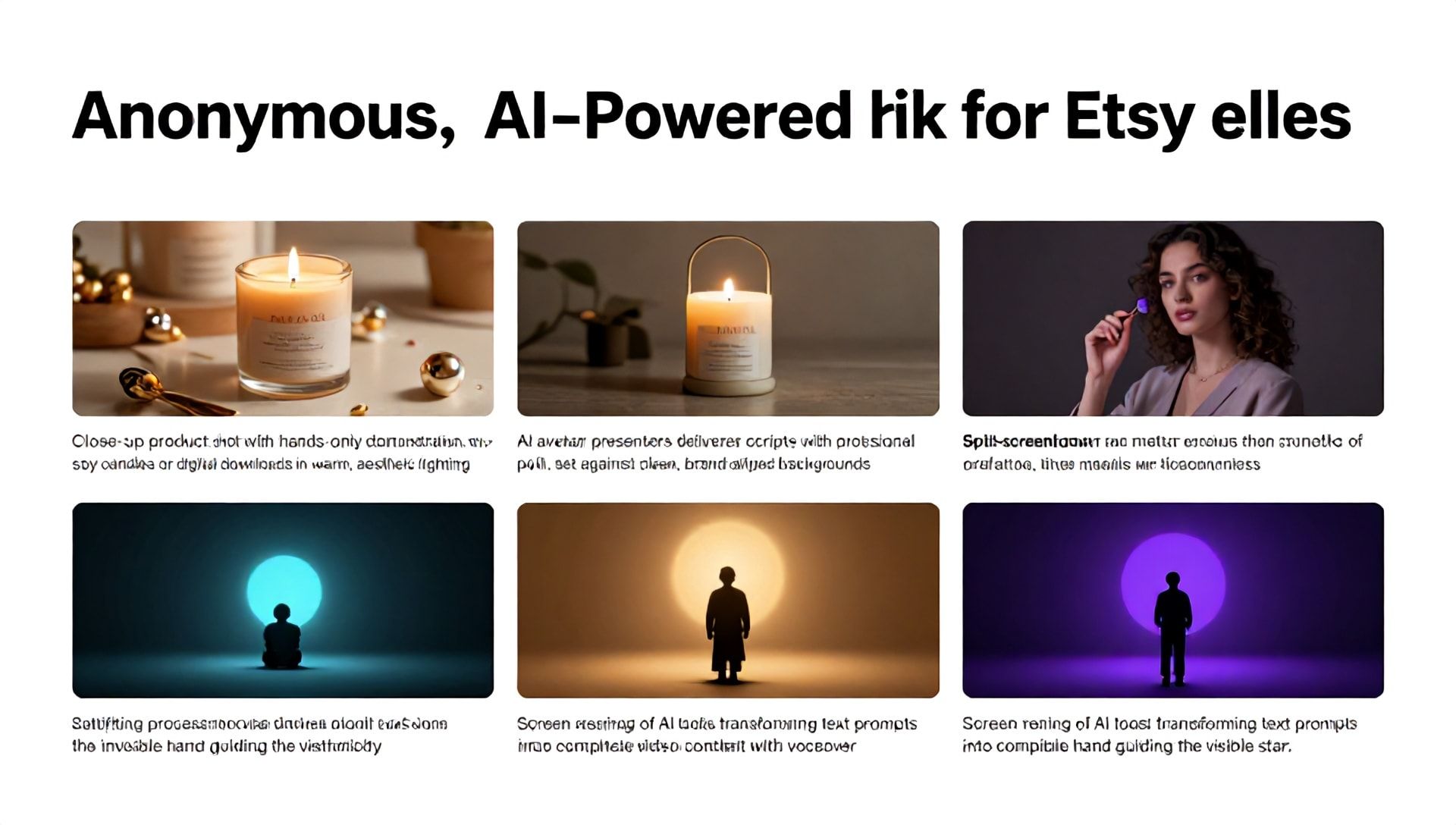
The Ultimate Guide to Making Faceless Videos for TikTok Using AI
Introduction: The Rise of Anonymous Content Creation
In the bustling digital marketplace of Etsy, standing out is both an art and a science. For creative entrepreneurs, TikTok has emerged as a powerful engine for driving traffic, building brand awareness, and connecting with a massive audience. But what if you’re camera-shy, value your privacy, or simply want to streamline your content creation? Enter the world of faceless TikTok videos, powered by cutting-edge AI tools. This guide will not only show you how to create compelling anonymous content but will also reveal the best AI tools for Etsy sellers looking to amplify their social media strategy without ever showing their face.
What Are Faceless TikTok Videos and Why Are They a Game-Changer for Etsy Sellers?
Faceless videos are content pieces where the creator’s identity remains hidden. The focus is entirely on the product, the process, the story, or valuable information—not the person behind the camera. For Etsy sellers, this approach offers unique advantages:
- Focus on Product: The handmade item, digital download, or vintage find becomes the undeniable star.
- Scalability: You can batch-create content without the need for filming yourself.
- Accessibility: Overcomes personal barriers like shyness, time constraints, or desire for privacy.
- Brand Mystery: Can cultivate intrigue and focus the audience on your shop’s aesthetic and values.
- Leverage Trends: Easily participate in popular TikTok trends (like “satisfying” process videos or educational clips) in a format that suits your brand.
Step-by-Step: How to Make a Viral-Worthy Faceless TikTok Video
Step 1: Ideation & Scripting with AI
Before any visuals, you need a rock-solid idea. Use AI writing assistants to brainstorm video topics related to your Etsy niche.
- Prompt Example: “Generate 10 TikTok video ideas for an Etsy seller specializing in handmade soy candles. Focus on faceless, educational, and satisfying content.”
- AI Tool Use: Tools like ChatGPT or Jasper can craft concise scripts, on-trend captions, and compelling calls-to-action.
Step 2: Creating the Visuals (The AI-Powered Core)
This is where the best AI tools for Etsy sellers truly shine. You have several powerful options:
A. AI Avatar & Presenter Tools: Create a digital spokesperson for your brand.
- Synthesia: Generate professional videos with AI avatars that speak your script in multiple languages. Perfect for explainer videos or welcome messages.
- HeyGen: Similar capabilities, allowing you to create talking avatars with just text input.
B. AI Video Generation & Editing: Transform text, images, or simple clips into stunning videos.
- InVideo AI: Input your script or idea, and the AI generates a complete video with stock footage, voiceover, and text overlays. Incredible for “how-to” or listicle-style content.
- Pictory: Perfect for turning blog posts (like your Etsy item descriptions or listings) into short-form video summaries.
- Canva Magic Media: Use text-to-image or text-to-video features within Canva to create unique visual assets for your videos.
C. AI Voiceover & Sound: A captivating voice is crucial for faceless content.
- ElevenLabs: Produces some of the most natural, human-like AI voices. Great for giving your brand a consistent, appealing audio identity.
- Murf.ai: Offers a wide range of expressive voices and allows easy editing of tone and pitch.
Step 3: Assembly & Editing
Use a standard video editor (CapCut is hugely popular on TikTok and has AI features) or an AI-enhanced editor to:
- Combine your AI-generated visuals and voiceover.
- Add trending music (respecting copyright! Use TikTok’s commercial sound library).
- Include dynamic text overlays and on-screen text (crucial for viewers watching without sound).
- Implement smooth transitions and effects that match your brand’s vibe.
Step 4: Optimization & Posting
- Craft the Hook: The first 2 seconds must grab attention. Use text or a visually striking AI-generated scene.
- Keyword-Rich Caption: Include relevant keywords like “Etsy tips,” “handmade [your product],” and “best AI tools for Etsy sellers.”
- Hashtags: Mix niche (#HandmadeJewelry, #DigitalPlanner), broad (#EtsyShop, #SmallBusiness), and trending hashtags.
- Engagement Prompt: Ask a question in your caption or voiceover to encourage comments.
The Best AI Tools for Etsy Sellers: A 2024 Breakdown
To build a sustainable faceless content strategy, you need the right toolkit. Here’s a curated list of the best AI tools for Etsy sellers, categorized by primary function.
1. For All-in-One Video Creation: InVideo AI
- Best For: Sellers who want to go from idea to finished video in minutes.
- Why Etsy Sellers Love It: Input a text prompt about your product (“a relaxing video showing the process of pouring a lavender soy candle”), and it generates a full video draft. Saves immense time and creative energy.
2. For Creating a Brand Avatar: Synthesia
- Best For: Sellers wanting a consistent, professional “face” for explainer or tutorial videos.
- Why Etsy Sellers Love It: Builds brand recognition without personal exposure. You can create videos in multiple languages to reach a global Etsy customer base.
3. For Supernatural Voiceovers: ElevenLabs
- Best For: Sellers prioritizing premium, engaging audio quality to narrate their creative process.
- Why Etsy Sellers Love It: The voices avoid the “robotic” feel, adding warmth and credibility to faceless videos. Essential for building trust.
4. For Design & Asset Creation: Canva + AI
- Best For: Sellers already using Canva for graphics; enhances their toolkit.
- Why Etsy Sellers Love It: The “Magic” tools can generate background images, design elements, and even short video clips based on text descriptions of your product (e.g., “watercolor background of sage green”).
5. For Converting Text to Video: Pictory
- Best For: Sellers who are great writers (e.g., in their Etsy listings or blog) and want to repurpose that content.
- Why Etsy Sellers Love It: Turns a detailed product description into a compelling 60-second TikTok video, maximizing the value of existing work.
Advanced Tips for Maximizing Your Faceless TikTok Strategy
- Develop a Consistent Aesthetic: Use AI tools to maintain a consistent color palette, font style, and mood across all videos. This becomes your “faceless” brand identity.
- Focus on Value: Whether it’s entertainment (satisfying process shots), education (how to use your product), or inspiration (styling ideas), ensure every video delivers clear value.
- Leverage User-Generated Content (UGC): With permission, feature customer photos/videos. AI tools can help you edit and compile these into compelling testimonial videos.
- Analyze and Adapt: Use TikTok Analytics to see which faceless video styles (process, educational, narrative) perform best with your audience, and double down on them.
Frequently Asked Questions (FAQ)
Q1: Are faceless TikTok videos really effective for driving Etsy sales? A: Absolutely. Success on TikTok is driven by value, entertainment, and relatability—not necessarily the creator’s face. A well-made faceless video showcasing a beautiful product, a satisfying creation process, or a useful tip can generate massive engagement, profile visits, and ultimately, clicks to your Etsy shop link in your bio.
Q2: Isn’t using AI for content creation disingenuous for a “handmade” brand? A: Not at all. Think of AI as a powerful tool in your creative workshop, much like a pottery wheel or a sewing machine. You are still providing the creative direction, the brand heart, and the final product. AI simply helps you market your handmade craft more efficiently, allowing you to spend more time on the creation itself.
Q3: What are the cost considerations for these AI tools? A: Many tools offer free tiers with limited minutes or exports (like Canva, InVideo, or Murf), which are perfect for beginners. Paid plans typically start between $15-$30 per month for individual creators. Consider starting with one all-in-one tool (like InVideo AI) or combining a free voice tool with a free editing app before scaling your investment.
Q4: Can I use AI-generated voiceovers for commercial purposes on TikTok? A: Yes, but you must review the Terms of Service for your specific AI voice tool. Most commercial-grade AI voice platforms (like ElevenLabs Pro plans) explicitly grant the right to use the generated voiceovers for commercial content, including social media marketing. Always verify this before publishing.
Conclusion: Your Creative Future is Faceless and Frictionless
The intersection of AI technology and social media has democratized content creation. For Etsy sellers, this means the barrier to building a powerful TikTok presence is no longer a camera or personal comfort—it’s simply creativity and strategy. By harnessing the best AI tools for Etsy sellers, you can craft a captivating, anonymous brand narrative that highlights what truly matters: your unique products and the story behind them.
Ready to Transform Your Etsy Marketing?
Stop spending hours struggling with video content. Embrace the future of content creation today. Start by exploring one of the AI tools mentioned above—many offer free trials. Pick one step from the guide, like creating a 30-second AI avatar video about your best-selling product, and see the difference it makes. Your audience (and your shop stats) are waiting.
Share your first faceless AI video and tag #EtsyAI to connect with a community of forward-thinking creators!