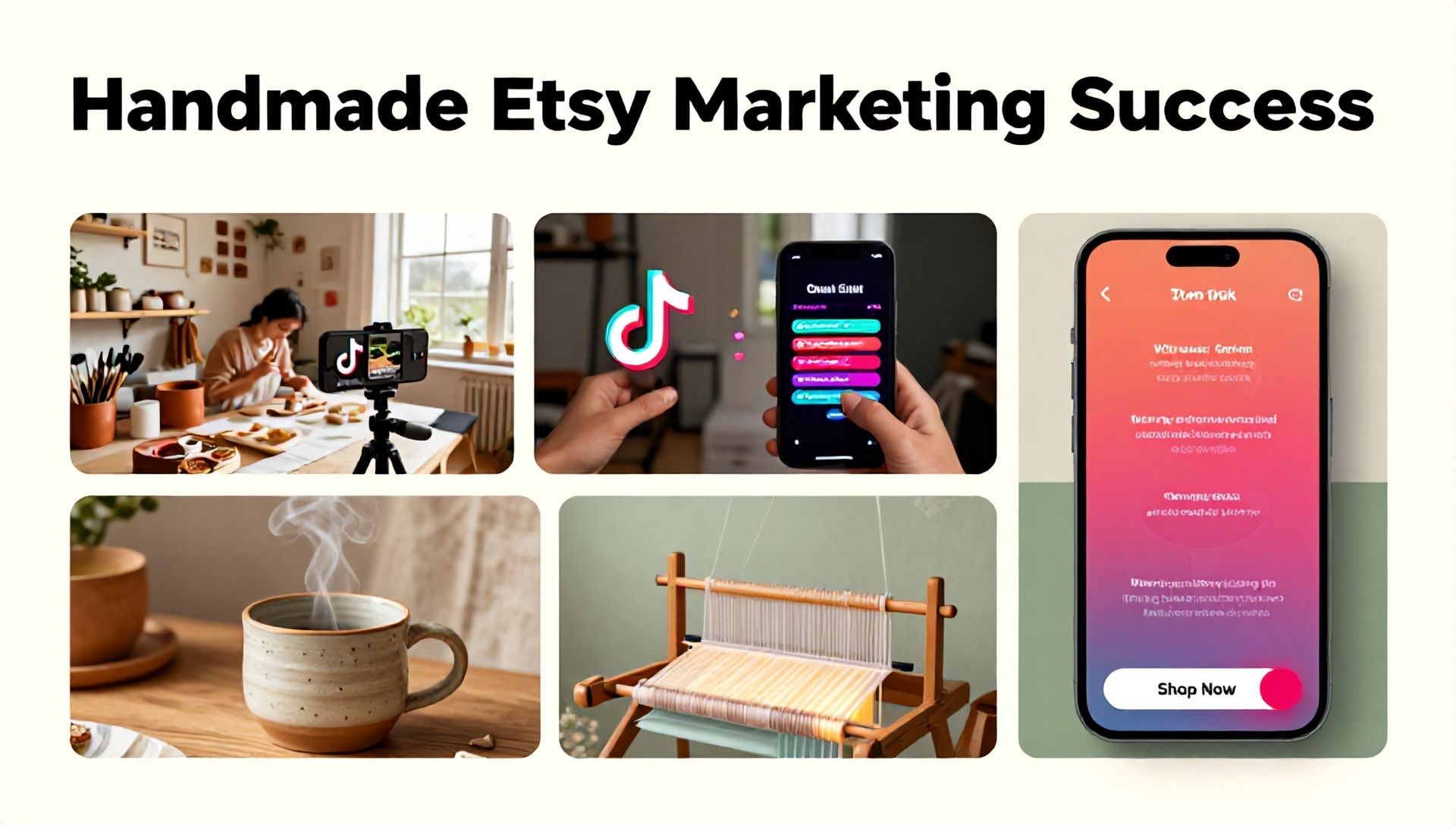
The Best AI Tools for Etsy Sellers: How to Create Stunning TikTok Ads Using CapCut
Introduction: Why Etsy Sellers Can’t Ignore TikTok & AI
The modern Etsy marketplace is fiercely competitive. Standing out requires more than beautiful products; it demands captivating marketing. For Etsy sellers, mastering short-form video on TikTok has become a non-negotiable strategy for driving traffic and sales. But creating professional, engaging ads can feel daunting, especially for beginners with limited time and resources.
Enter the powerful combination of AI tools and accessible video editing software like CapCut. This guide is designed specifically for Etsy entrepreneurs. We will demystify the process of creating high-converting TikTok ads by leveraging the best AI tools for Etsy sellers, all within the user-friendly framework of CapCut. You’ll learn how to produce content that resonates, sells, and grows your brand without needing a Hollywood budget or a degree in film editing.
Understanding the Etsy-TikTok Synergy
Before diving into the “how,” it’s crucial to understand the “why.” TikTok isn’t just for dance trends; it’s a discovery platform where authentic storytelling and visual appeal drive purchasing decisions.
- Visual Discovery: TikTok’s algorithm favors content that showcases products in use, tells a story, or solves a problem—perfect for handmade, vintage, or unique Etsy items.
- Targeted Reach: You can target users by interests, behaviors, and even demographics that align perfectly with your ideal Etsy customer.
- Community & Trust: Behind-the-scenes clips, creation processes, and customer testimonials build authenticity and trust far more effectively than static images.
To capitalize on this, your content must be polished and strategic. This is where AI tools and CapCut become your secret weapons.
Essential AI Tools for Etsy Sellers: Your Creative Co-Pilots
Integrating AI into your workflow automates tedious tasks, generates ideas, and enhances quality. Here are the best AI tools for Etsy sellers to use in conjunction with CapCut for TikTok ads:
1. AI Content & Scripting Assistants
- ChatGPT (OpenAI) or Gemini (Google): Use these to brainstorm video hooks, write compelling ad scripts, generate product descriptions for your voiceover, and create multiple call-to-action (CTA) variations. Prompt Example: “Generate a 15-second TikTok script for an Etsy seller advertising a handmade ceramic mug. Focus on the cozy morning ritual. Include a hook, key benefits, and a strong CTA.”
2. AI Visual & Design Tools
- Canva AI Features (Magic Media, Magic Design): Quickly generate background visuals, design text overlays with consistent branding, and create storyboards for your ad sequences. It seamlessly integrates with CapCut workflows.
- Leonardo.AI or Midjourney: For sellers of digital products or those needing conceptual imagery, these tools can create unique artwork, patterns, or mockup scenes that would be expensive or impossible to photograph.
3. AI Audio Enhancement Tools
- ElevenLabs or Murf.ai: Generate crystal-clear, human-like voiceovers for your ads in multiple tones and languages. Perfect for creating consistent narration without needing professional recording equipment.
- Adobe Podcast AI (Enhance Speech): A free, web-based tool that magically cleans up poor audio recorded on your phone, removing background noise and making you sound studio-quality.
4. AI Analytics & Optimization Tools
- Predictive Analytics in TikTok Ads Manager: While not a third-party tool, TikTok’s own AI analyzes ad performance. Use its insights to see which visuals, captions, and CTAs resonate, then refine your CapCut templates accordingly.
Step-by-Step Guide: Creating Your First TikTok Ad with CapCut
Now, let’s combine these powerful AI tools for Etsy sellers with CapCut’s intuitive interface.
Phase 1: Pre-Production Planning with AI
- Concept & Script: Use ChatGPT to generate 3-5 video concepts for your product. Choose the strongest and have the AI expand it into a concise 20-30 second script.
- Storyboard: Outline your shots. Use Canva’s Magic Design to create a simple visual storyboard to plan your sequences (e.g., Problem Shot, Product Reveal, In-Use Demo, CTA).
- Audio Prep: If using a voiceover, generate your script audio with ElevenLabs. Choose a friendly, trustworthy voice. Download the MP3 file.
Phase 2: Production & Editing in CapCut
Step 1: Importing Your Assets
Open CapCut (Desktop or Mobile). Create a new project in a 9:16 vertical format. Import:
- Your product video clips (shot on phone).
- Any AI-generated visuals from Canva or Leonardo.Ai.
- Your AI-generated voiceover file.
- Background music (use CapCut’s licensed library or TikTok sounds).
Step 2: Crafting the Visual Timeline
- Arrange Clips: Drag your video clips onto the timeline according to your storyboard.
- Trim and Pace: Use the split and trim tools to create a fast-paced, engaging flow. TikTok attention spans are short—cut quickly between shots.
- Enhance with CapCut’s AI Features:
- Auto-Captions: Click “Text” > “Auto Captions.” CapCut’s AI will transcribe your voiceover. Edit for accuracy and use animated caption styles to boost accessibility and watch time.
- AI Portrait Effects: Under “Effects,” explore “Boom” or “Zoom” effects that automatically sync to the music’s beat.
- Color Correction: Use “Auto Color” under the “Adjust” menu for a quick professional boost, then fine-tune.
**Step 3: Adding Polish with Text & Graphics
- Dynamic Text: Add your key selling point as stylized text. Use CapCut’s text templates or import branded text graphics from Canva.
- Stickers & Callouts: Use animated stickers (arrows, sparkles) to highlight product features. Place your Etsy shop name/logo consistently.
**Step 4: Finalizing Audio
- Layer Audio: Ensure your AI voiceover is clear. Add subtle, trending background music from the CapCut library, lowering its volume under “Audio” settings so the voiceover is paramount.
- Audio Cleanup: If you recorded any live audio, use the “Noise Reduction” feature in the audio settings.
Phase 3: Optimization & Publishing
- Thumbnail: Create a compelling thumbnail within CapCut by pausing on your best frame and adding bold text.
- Export: Export in 1080p resolution at 30fps for optimal quality and file size.
- TikTok Upload: Upload directly to TikTok. Write a caption using keywords from your AI script, add relevant hashtags (#Etsy, #Handmade, #SmallBusiness, #[YourNiche]), and crucially, include your Etsy shop link in the profile or use the “Link” sticker.
Advanced CapCut & AI Techniques for Higher Conversion
- Before/After Effect: Use CapCut’s split-screen or transition features to showcase a problem and your product as the solution. AI tools can help generate the “before” concept imagery.
- User-Generated Content (UGC) Style: Film yourself speaking directly to the camera. Use Adobe Podcast’s Enhance Speech to clean the audio, making it sound professional and intimate.
- Personalized Ads: Use AI scripting tools to create slight variations of your ad targeting different customer pain points (e.g., “perfect gift for moms” vs. “self-care essential for you”).
Measuring Success and Iterating
Launch your ad with a small budget. Monitor TikTok Ads Manager or Creator Center analytics. Which part of the video had the highest retention? Did users drop off before the CTA?
- Use this data to inform your next CapCut edit. Shorten the intro, move the CTA earlier, or try a different hook generated by your AI content assistant. This cycle of create-measure-optimize is key to scalable success.
Frequently Asked Questions (FAQ)
Q1: I’m not tech-savvy. Is CapCut and AI really suitable for beginners?
A: Absolutely. CapCut is designed with an intuitive, drag-and-drop interface. The AI tools mentioned (like ChatGPT and Canva) are primarily web-based and require no coding. Start with one tool at a time—perhaps ChatGPT for scripts and CapCut for editing. The learning curve is surprisingly gentle.
Q2: Are there any copyright issues with using AI-generated visuals or voiceovers?
A: This is a critical consideration. Always check the Terms of Service for each AI tool. For commercial use (like ads):
- Voiceovers: Tools like ElevenLubs offer commercial licenses.
- Images: Platforms like Canva and Leonardo.Ai typically grant commercial licenses for content created with their AI, but confirm their latest policies. Avoid using AI to directly replicate copyrighted characters or styles.
Q3: How much budget do I need to start with TikTok ads for my Etsy shop?
A: You can start with as little as $5-$10 per day. The true “investment” is your time in learning and creating quality content with CapCut and AI. This low entry cost allows you to test different ads, learn what works for your niche, and scale the winning versions.
Q4: Can I use this CapCut and AI method for other platforms?
A: Yes! The vertical 9:16 videos you create are perfect for Instagram Reels, YouTube Shorts, and Facebook Reels. Simply repurpose the content by exporting from CapCut and adapting the caption and hashtags for each platform, maximizing your return on creative effort.
Conclusion: Your Competitive Edge Starts Now
The intersection of AI tools and accessible video editing has democratized high-impact marketing. For the Etsy seller, mastering CapCut for TikTok ads is no longer a luxury—it’s a fundamental skill for growth. By leveraging the best AI tools for Etsy sellers—from scriptwriting and audio enhancement to visual creation—you can produce a consistent stream of professional, engaging ads that tell your brand’s story, showcase your products’ value, and drive real traffic to your shop.
Don’t let perfectionism or technical fear paralyze you. The tools are here, and they are more accessible than ever.
Ready to transform your Etsy marketing? Choose one product from your shop today. Use ChatGPT to draft a quick script, then open CapCut and follow the steps in Phase 2. Create your first ad, publish it, and learn from the process. Your future customers are scrolling on TikTok right now—go and create the content that stops them. Start creating your first AI-powered TikTok ad with CapCut now.