
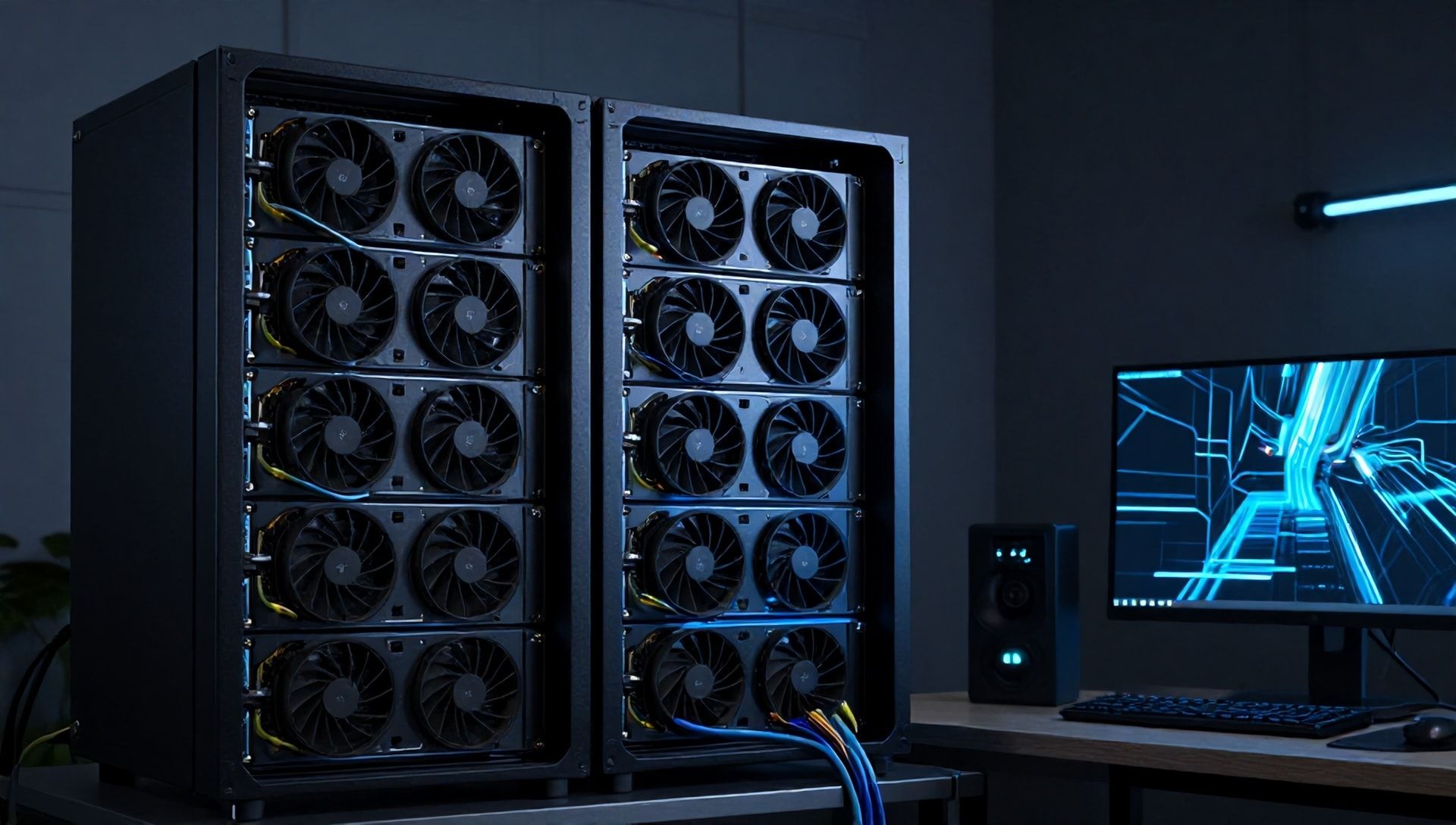
Running large language models locally has become the holy grail for AI enthusiasts and developers. The promise is compelling: no API costs, complete privacy, and full control over your inference pipeline. But the reality in 2026 is far more complex. The r/LocalLLaMA community has been documenting deployment failures at an unprecedented rate, with new hardware generations introducing as many problems as they solve.
If you’ve spent hours troubleshooting CUDA errors, wrestling with VRAM fragmentation, or watching your carefully configured cluster desync mid-inference, you’re not alone. This guide addresses the five most common deployment failures based on thousands of real-world reports from developers pushing the boundaries of consumer hardware.
Why Local Deployments Fail
The fundamental issue is that AI infrastructure has evolved faster than deployment tooling. Hardware vendors release GPUs with massive VRAM pools but incomplete driver support. Model creators publish weights for 400B+ parameter models but underestimate resource requirements. Framework developers add features faster than they can stabilize them.
The result? A minefield of subtle failures that only manifest under specific conditions—after 10,000 tokens, during multi-node communication, or when quantization meets new GPU architectures.
The 5 Critical Issues and Solutions
Issue 1: VRAM Fragmentation on RTX 5090
The Problem
NVIDIA’s Blackwell architecture brought unprecedented VRAM capacity—32GB on consumer RTX 5090 cards—but also introduced memory fragmentation issues with CUDA 12.4 and newer. Users report loading a 70B parameter model quantized to Q4 successfully, only to see out-of-memory errors during inference despite showing 4-6GB of “free” VRAM.
The fragmentation occurs because CUDA’s memory allocator splits VRAM into small chunks during model loading, leaving gaps too small for subsequent allocation requests. Your model fits initially, but activations and KV cache allocations fail when they can’t find contiguous memory blocks.
The Solution
Pre-allocate and defragment before loading:
# Force contiguous allocation
export PYTORCH_CUDA_ALLOC_CONF="max_split_size_mb:512"

# Pre-clear cache in Python
torch.cuda.empty_cache()
torch.cuda.synchronize()
For vLLM deployments, restrict memory utilization to leave headroom:
python -m vllm.entrypoints.openai.api_server \
  --model meta-llama/Llama-4-70B \
  --quantization awq \
  --gpu-memory-utilization 0.85
The 0.85 limit prevents the allocator from consuming all VRAM, leaving space for the fragmented gaps. If you’re still seeing OOM errors at 28GB usage on a 32GB card, this is your fix.
Issue 2: Ollama Multi-Node Cluster Desync
The Problem
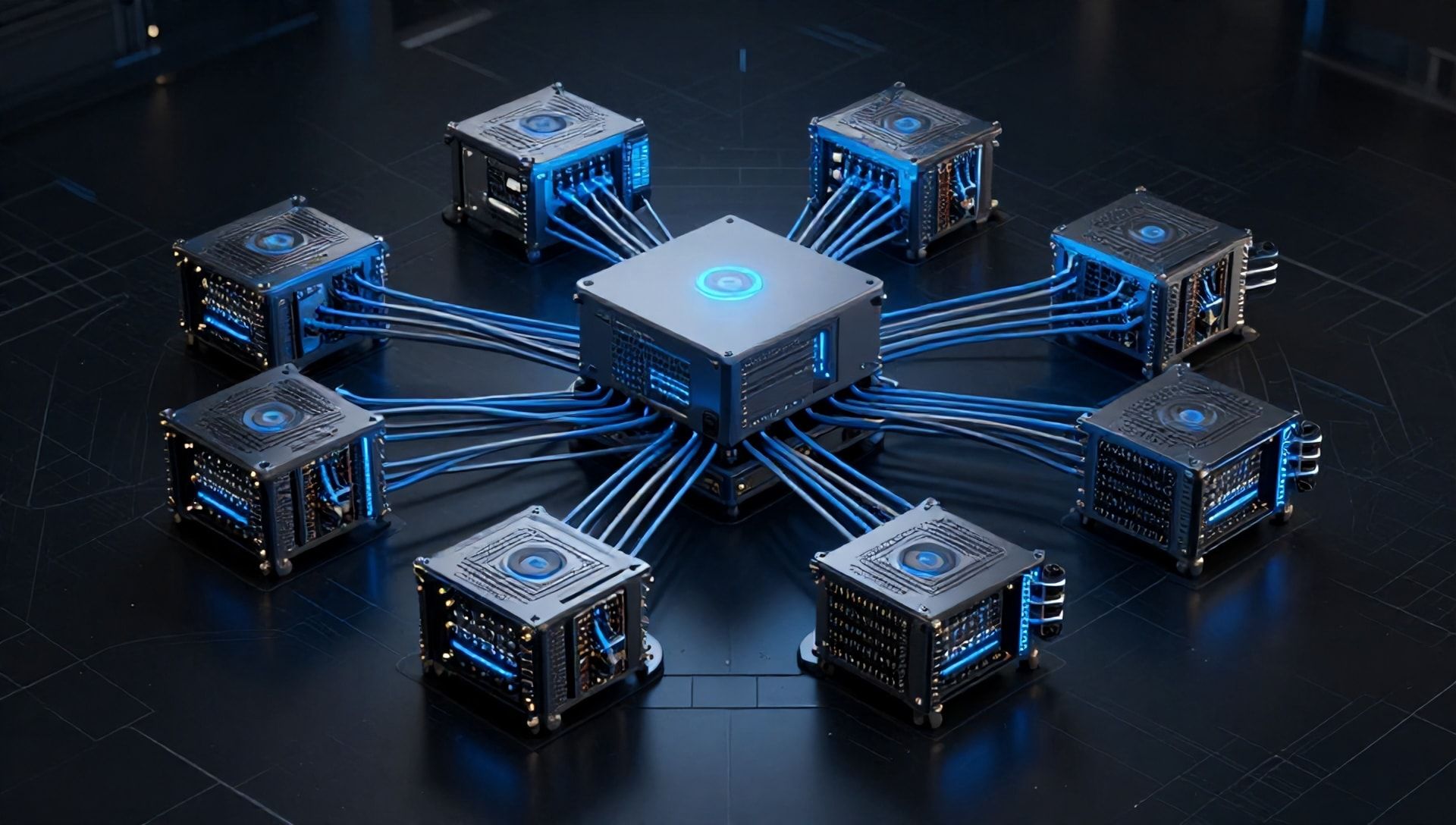
Ollama’s 2.1 release introduced clustering for distributed inference across multiple consumer PCs—a game-changer for running 400B+ models on homelab hardware. But the reality has been plagued by gRPC timeouts and model state desynchronization.
The issue manifests when tensor shards distributed across nodes drift out of sync. One node processes its shard while another stalls on network I/O. The result is garbled output, silent failures, or complete cluster collapse. Community reports indicate problems spike when using standard 1Gbe networking, with even 10Gbe setups showing >500ms latency spikes under load.
The Solution
Network optimization is critical. First, enable jumbo frames to reduce packet overhead:
# On Linux nodes
ip link set dev eth0 mtu 9000
Configure Ollama with explicit network parameters:
# docker-compose.yml
services:
  ollama:
    image: ollama/ollama:2.1.2
    environment:
      - OLLAMA_NETWORK_MTU=9000
      - OLLAMA_GRPC_TIMEOUT=30000
    networks:
      - llm-cluster
For stability, consider bypassing Ollama’s clustering entirely and using llama.cpp’s RPC mode:
# On worker nodes
./rpc-server -p 50052

# On coordinator
./main -m Llama-4-405B.Q4_0.gguf \
  --rpc localhost:50052,worker2:50052,worker3:50052
The RPC implementation handles failures more gracefully, with automatic retry and clearer error messages when nodes become unresponsive.
Issue 3: Quantization Drift on Apple Silicon
The Problem
Apple’s M4 Max chips promised desktop-class AI performance with 48GB unified memory. But developers report severe quantization drift when running Q8_0 Llama-4-70B models through the MLX framework. Output quality degrades predictably after approximately 10,000 tokens, with hallucinations increasing and coherence dropping.
The issue appears tied to MLX’s IQ4_NF quantizer and how it handles long contexts on M4/M5 chips. Perplexity scores in community benchmarks show ELO ratings dropping from 1280 to 1120 after 5,000 tokens—evidence of measurable quality degradation.
The Solution
Downgrade quantization aggressiveness. While Q8_0 should theoretically preserve quality, the combination of MLX’s implementation and M4 architecture creates edge cases:
# Use IQ3_M instead of Q8_0 for long contexts
mlx_lm.server --model mlx-community/Llama-4-70B-IQ3_M
For critical applications, bypass MLX entirely and use llama.cpp with Metal acceleration:
./main -m Llama-4-70B.Q4_K_M.gguf \
  -ngl 999 \
  --ctx-size 32768
The Metal backend in llama.cpp handles memory management more conservatively, avoiding the drift issues seen in MLX’s aggressive optimization.
Issue 4: NVIDIA Driver Instability
The Problem
NVIDIA’s 560.xx driver series has become notorious in local LLM communities. What should be stable releases for Blackwell GPUs instead introduce CUDA errors, nvcc compilation failures, and intermittent driver crashes during inference.
The issues are particularly severe on Linux systems running Ubuntu 26.04, where the 560.35 driver reportedly breaks compatibility with PyTorch 2.5+ and causes memory allocation failures in llama.cpp builds.
The Solution
Driver conservatism wins. The r/LocalLLaMA community consensus: stay on CUDA 12.3 until NVIDIA stabilizes 12.4+:
# Check current CUDA version
nvcc --version

# If on 12.4+, consider downgrading
cuda-installer --version 12.3.2
For ROCm users on AMD hardware, the situation is reversed—ROCm 6.2 shows better stability than earlier versions for local LLM workloads:
# AMD users should upgrade
rocm-smi --showversion
# Upgrade to 6.2 if below
Monitor the llama.cpp GitHub releases weekly. The maintainers document driver compatibility issues promptly, and community-tested configurations get shared in release notes.
Issue 5: Power and Thermal Limits
The Problem
Running four RTX 5090 cards in a homelab setup sounds like a dream for 405B parameter models. But the reality is power supply strain and thermal throttling that causes intermittent failures under sustained load.
Each 5090 can draw 450W+ under full load. Four cards plus a high-end CPU exceed 2000W sustained draw, pushing beyond what standard 240V residential circuits can safely provide. Thermal throttling then introduces latency spikes that cause distributed training and inference to fail.
The Solution
Power planning is infrastructure planning:
# Calculate sustained power requirements
4x RTX 5090 @ 450W = 1800W
CPU (Threadripper/EPYC) = 300W
System overhead = 200W
Total sustained = 2300W

# Required PSU: 2x 1600W with load balancing
# Required circuit: 240V/20A minimum
For thermal management, undervolt your GPUs to reduce heat output:
# NVIDIA undervolting via nvidia-smi
nvidia-smi -i 0 -pl 400  # Power limit to 400W
If you’re seeing intermittent failures after 10-30 minutes of inference, thermal throttling is the likely culprit. Monitor with:
watch -n 1 nvidia-smi --query-gpu=temperature.gpu,power.draw,clocks.sm
Temperatures consistently above 85°C indicate throttling. Consider improving case airflow or liquid cooling solutions before scaling to multi-GPU setups.
Your Troubleshooting Toolkit
For teams already managing AI agents transforming DevOps workflows, these local deployment issues will feel familiar. The same systematic debugging approach applies: isolate variables, test incrementally, and document everything.
Community-vetted tools for stable deployments:
- ExLlamaV2: Recommended by r/LocalLLaMA mods for stability over bleeding-edge CUDA
- vLLM: Best for high-throughput serving with proper memory management
- llama.cpp: Most portable across platforms, best for edge deployments
- Ollama: Easiest setup for single-node, avoid clustering until 2.2+
For business applications of AI automation tools, local deployment expertise creates competitive advantage through reduced inference costs and data privacy compliance.
Verification Checklist
Before declaring your deployment production-ready:
- [ ] Stress test: 24-hour continuous inference without errors
- [ ] Memory test: Monitor for fragmentation over 100k+ tokens
- [ ] Network test: Verify cluster stability under peak load
- [ ] Thermal test: Confirm sustained clocks without throttling
- [ ] Driver test: Document stable driver/CUDA version combination
When to Seek Help
The local LLM community is active and helpful. Before posting:
- Search r/LocalLLaMA with your error message
- Check llama.cpp GitHub issues
- Review vLLM troubleshooting docs
- Test with a known-good configuration first
Document your hardware, software versions, and exact error messages. The community can’t help without specifics.
Local AI deployment remains as much art as science in 2026. The developers who succeed combine technical knowledge with patient debugging and community engagement. Your setup will break—what matters is your systematic approach to fixing it.