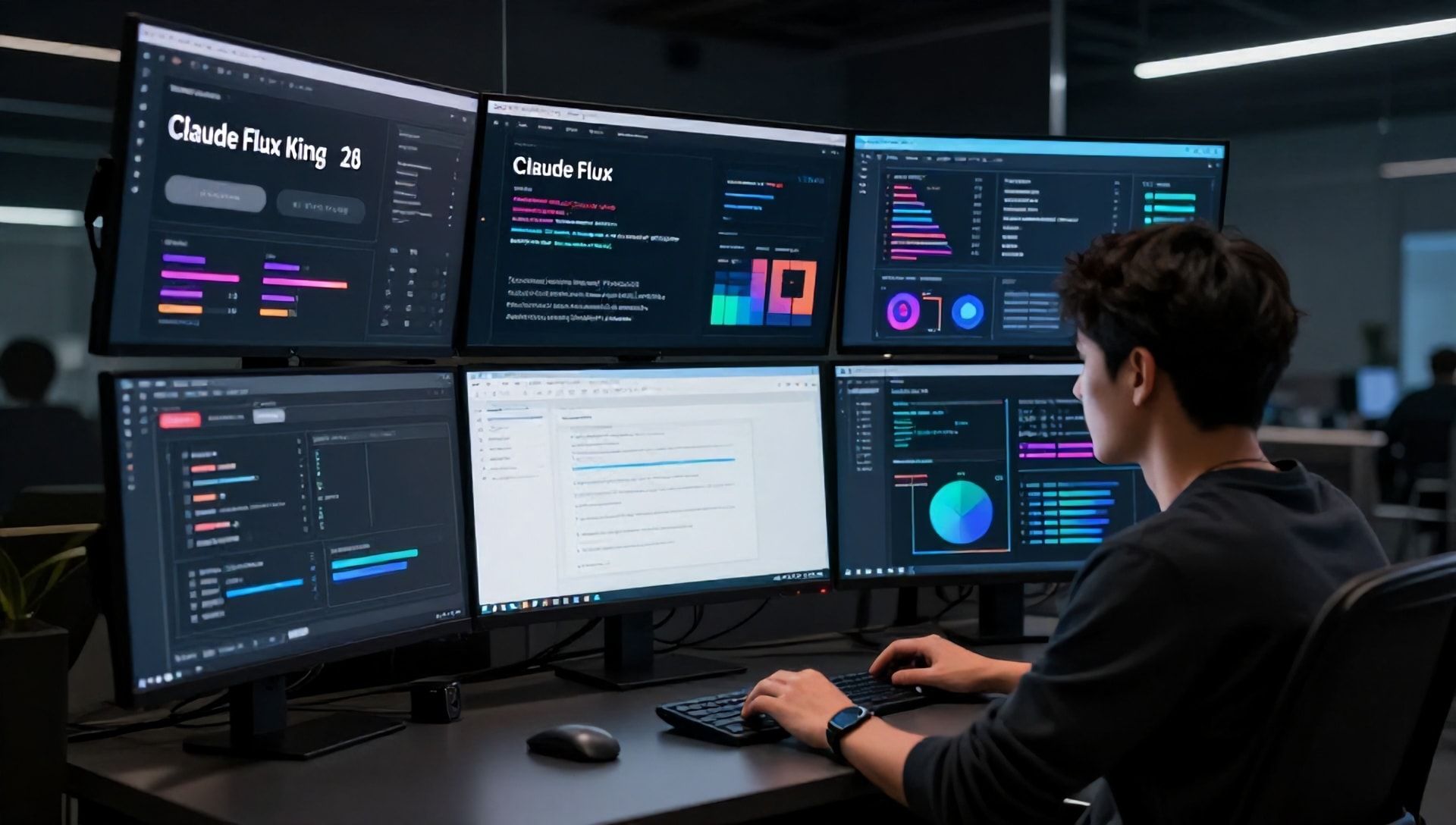
Creating high-quality content at scale has never been more challenging—or more rewarding. Whether you’re a solo YouTuber, a marketing team of one, or a growing agency, the pressure to produce blogs, videos, images, and audio across multiple platforms is relentless. Hiring a full creative team isn’t always realistic, and doing everything yourself leads to burnout.
But 2026 has changed the game. AI content creation tools have evolved from novelty experiments to professional-grade solutions. The Reddit r/ArtificialIntelligence community has been testing these tools in real-world scenarios, and their consensus is clear: the right AI stack can reduce production time by half while maintaining—or even improving—quality.
The AI Content Creation Stack
After analyzing thousands of community discussions, votes, and real-world usage reports, certain tools consistently rise to the top. Here’s what’s actually working for creators in 2026.
Text and Writing: Claude 3.5 Sonnet
Anthropic’s Claude 3.5 Sonnet dominates writing tasks according to 70% of Reddit discussions. Unlike earlier models that produced generic content, Claude understands nuance, maintains consistent voice across long pieces, and hallucinates far less than competitors.
Content creators use Claude for:
- Long-form blog posts and articles
- YouTube scripts with natural flow
- Social media copy that sounds human
- Email sequences and newsletters
The key advantage is contextual reasoning. Claude doesn’t just generate words—it understands the broader purpose of your content and adjusts tone accordingly. For marketers, this means less time editing and more time publishing.
The community’s only complaint? Rate limits during peak hours. Serious creators often pair Claude with local models like Llama 3.1 for high-volume workflows.
Image Generation: Flux.1
Black Forest Labs’ Flux.1 has overtaken Midjourney as the community favorite for image creation. Available in open-source variants, Flux offers photorealistic quality without the subscription costs of proprietary alternatives.
What makes Flux special:
- Superior text rendering in images (a longtime AI weakness)
- Consistent character and style across generations
- Runs locally via ComfyUI for complete control
- Free to use with no usage caps
Reddit users describe it as “free DALL-E 4” when properly configured. For content creators needing custom visuals—blog headers, social graphics, product mockups—Flux eliminates the need for stock photo subscriptions or freelance designers.
Midjourney v7 remains popular among artists who prioritize style consistency, but Flux wins for versatility and cost-effectiveness.
Video Creation: Kling 2.5 and Sora 2.0
Video generation has reached professional usability in 2026, with two tools leading the pack.
Kling 2.5 edges ahead for motion physics and realism. The community praises its 1080p native output at 30fps, with natural human movement that earlier AI video tools struggled to achieve. Content creators use Kling for:
- B-roll footage without location shoots
- Product demonstration videos
- Animated explainers
Sora 2.0 from OpenAI excels at complex, multi-element scenes. While some users report access limitations, those with access describe it as “finally usable for pro work” after years of waiting for viable AI video.
Runway Gen-3 Turbo fills a different niche—video editing and enhancement. Rather than generating from scratch, it improves existing footage, removes objects, and extends clips seamlessly.
The winning workflow combines these tools: Kling or Sora for generation, Runway for post-production, ElevenLabs for voiceover.
Voice and Audio: ElevenLabs v3
Text-to-speech has crossed the uncanny valley. ElevenLabs v3 produces hyper-realistic voiceovers with emotion control, multilingual support, and voice cloning capabilities.
Use cases that now work reliably:
- YouTube narration without recording equipment
- Podcast intros and ads
- Multilingual content from single scripts
- Accessibility features for blogs
The emotion control is particularly valuable. Creators can adjust pacing, emphasis, and tone to match content mood—something impossible with robotic TTS of previous years.
Meta’s MusicGen and Riffusion round out the audio stack for creators needing original music and sound effects without copyright concerns.
The Agentic Revolution
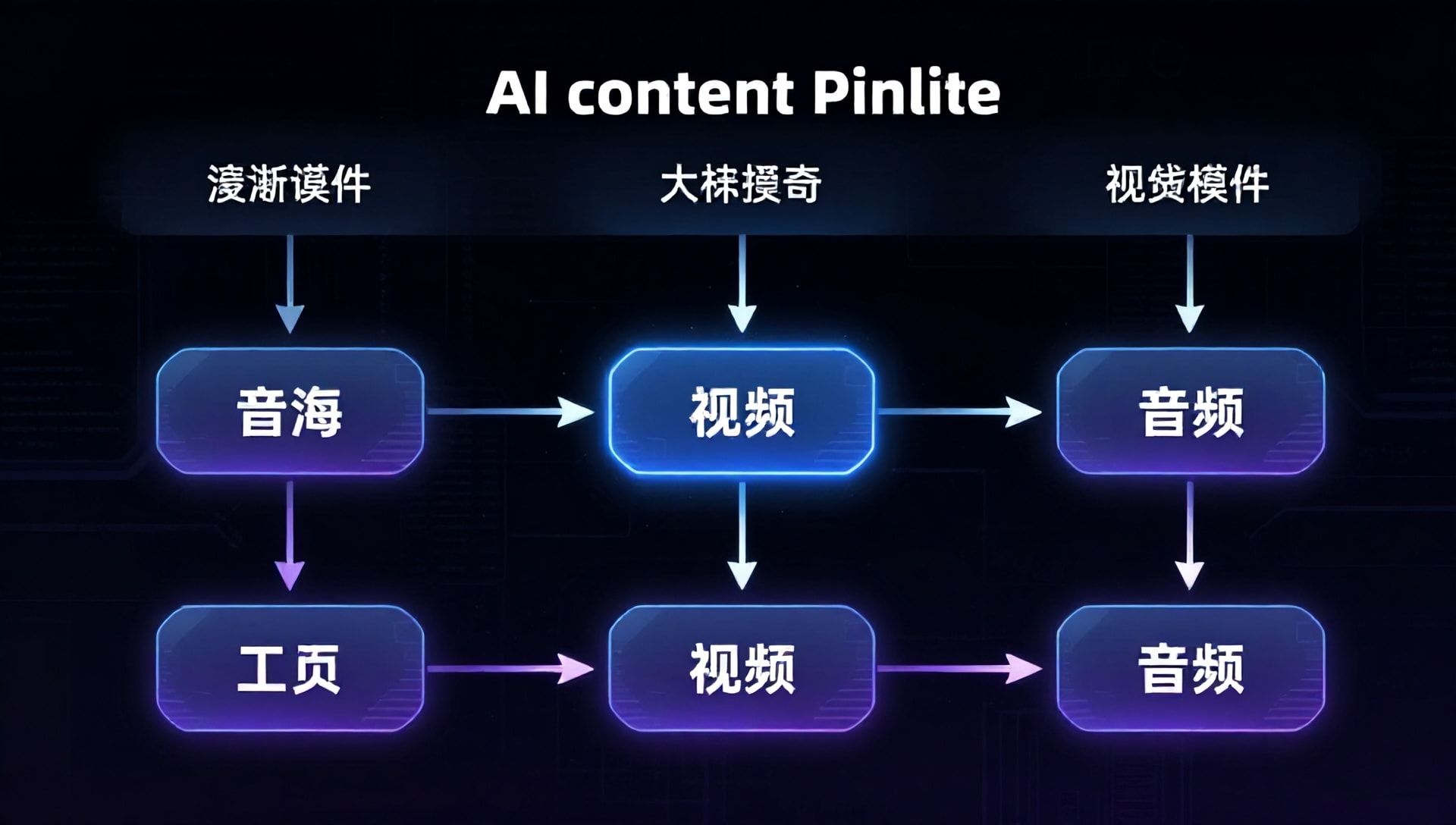
Individual tools are powerful, but the real transformation comes from agentic AI that orchestrates entire workflows. Tools like AutoGen and CrewAI can now chain multiple models into seamless pipelines.
A typical agentic workflow:
- Research trending topics (Perplexity AI)
- Write script (Claude 3.5)
- Generate supporting images (Flux.1)
- Create video footage (Kling 2.5)
- Add voiceover (ElevenLabs)
- Assemble final video (Runway)
What previously required a team of specialists now runs autonomously. Solo creators report producing daily content across multiple platforms—something impossible just two years ago.
For teams already using AI automation for sales teams, these content workflows follow similar patterns: define the process, connect the tools, let the system execute. Similarly, developers exploring AI agents transforming DevOps will find the same orchestration principles apply to content creation.
The Open-Source Advantage
A striking trend from community discussions: 60% of recommended tools are now open-source. Creators cite several reasons for the shift:
Cost Control: API fees add up quickly at scale. Local models eliminate per-generation costs.
Privacy: Sensitive content stays on your hardware, not sent to third-party servers.
Customization: Open weights allow fine-tuning for specific niches and brand voices.
Independence: No risk of sudden pricing changes or service shutdowns.
Tools like Ollama make running local LLMs accessible to non-technical users. ComfyUI provides visual interfaces for complex image and video workflows. The barrier to professional AI content creation has never been lower.
What Creators Are Actually Achieving
Real-world results from community reports:
Solo YouTubers: Publishing 3-5 videos weekly instead of monthly, maintaining quality through AI-assisted editing and B-roll generation.
Marketing Teams: Small teams producing content volumes that previously required agencies, with consistent brand voice across all materials.
Bloggers: Doubling article output while improving SEO scores through AI-optimized structure and readability.
E-commerce Stores: Generating product photos, descriptions, and video demos without photography studios or copywriters.
The common thread isn’t replacing human creativity—it’s eliminating the tedious production work that previously consumed most creators’ time.
Common Mistakes to Avoid
The community has learned painful lessons so you don’t have to.
Over-Automation: Fully AI-generated content without human review often feels hollow. The best results come from AI-assisted creation, not AI-only creation.
Ignoring Hallucinations: Even the best models make mistakes. Always fact-check claims, especially in educational or technical content.
Neglecting Brand Consistency: Jumping between tools without established workflows leads to disjointed content. Define your stack and stick with it.
Copyright Blindness: AI-generated content exists in legal gray areas. Understand platform policies and local regulations before commercial use.
For troubleshooting common automation issues, refer to our guide on troubleshooting AI automation issues.
Setting Up Your AI Content Stack
Ready to build your workflow? Here’s a practical starting configuration:
For Text-Heavy Creators (Bloggers, Newsletter Writers):
- Claude 3.5 Sonnet for writing
- Perplexity AI for research
- Grammarly or Hemingway for editing
For Visual Creators (YouTubers, Instagrammers):
- Kling 2.5 or Sora 2.0 for video generation
- Flux.1 for thumbnails and graphics
- ElevenLabs v3 for voiceovers
- Runway Gen-3 for editing
For Multichannel Marketers:
- CrewAI or AutoGen for workflow automation
- Claude 3.5 for copywriting
- Flux.1 for visual assets
- ElevenLabs for audio content
Start with one category and expand gradually. Mastering a single tool delivers better results than superficial use of ten.
Your 30-Day Content Transformation Plan

Week 1: Audit your current content creation process. Identify the most time-consuming tasks.
Week 2: Select one AI tool from your biggest bottleneck category. Set it up and produce three pieces of content.
Week 3: Evaluate results. What worked? What needs adjustment? Refine your workflow.
Week 4: Add a second tool from a different category. Connect them into a simple pipeline.
By day 30, you’ll have a functional AI content stack producing measurable results. More importantly, you’ll understand which tools genuinely improve your workflow versus which are just hype.
The creators winning in 2026 aren’t using the most AI tools—they’re using the right AI tools strategically. Start with your biggest pain point, build from there, and let the technology amplify your creativity rather than replace it.
The future of content creation is human-AI collaboration. Master this partnership, and your creative output becomes limited only by your imagination.